
Docker Commands Cheat Sheet
A Docker commands cheat sheet for images, containers, logs, networks, volumes, Compose, cleanup and troubleshooting.
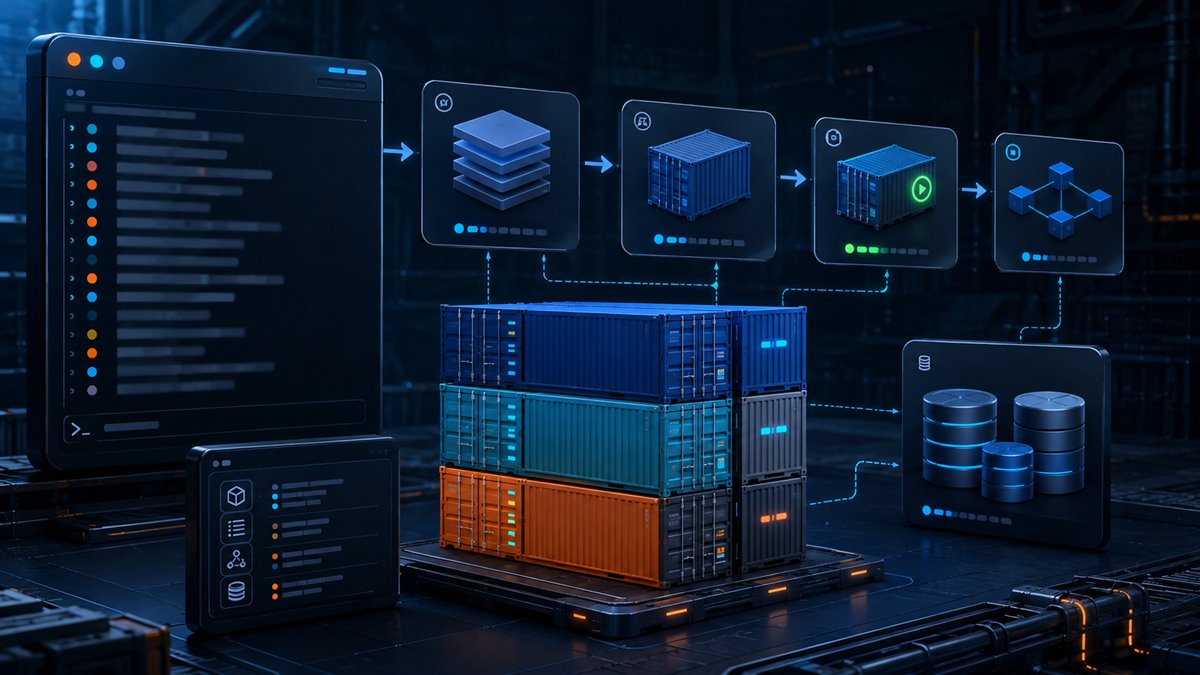
Use this Docker cheat sheet to move from images to running containers and troubleshoot them safely. Names are easier to reuse than container IDs, and cleanup commands deserve a careful preview.
Images and builds
docker build -t app:dev . | Build and tag an image from the current context. |
docker image ls | List local images. |
docker pull IMAGE | Download an image. |
docker image inspect IMAGE | Show detailed image metadata. |
docker image rm IMAGE | Remove an unused image. |
Run and manage containers
docker run --name web -p 8080:80 -d IMAGE | Create and run a named container in the background. |
docker ps -a | List running and stopped containers. |
docker logs -f web | Follow container logs. |
docker exec -it web sh | Run an interactive shell in a running container. |
docker stop web | Request a graceful stop. |
docker rm web | Remove a stopped container. |
Compose, networks and volumes
docker compose up -d | Start the Compose application. |
docker compose logs -f | Follow service logs. |
docker compose down | Stop and remove Compose containers and networks. |
docker network ls | List networks. |
docker volume ls | List volumes. |
docker stats | Stream resource usage. |
Cleanup and safety
docker system df shows Docker disk use. Prune commands remove unused objects and can affect cached builds or stopped environments. List and inspect the exact targets before removing them. Never place secrets in an image layer or commit them in a Compose file.
Frequently asked questions
What is the difference between docker run and docker start?
docker run creates a new container from an image and starts it. docker start restarts an existing stopped container.
How do I see all Docker containers?
Use docker ps -a. Without -a, only running containers are shown.
Sources and further reading
Features, software and prices change. Confirm current details with these sources before making a decision.
Found something that needs updating? Send a correction with the page URL and a supporting source.