PC Guides
How to Build a PC: A Beginner’s Step-by-Step Guide
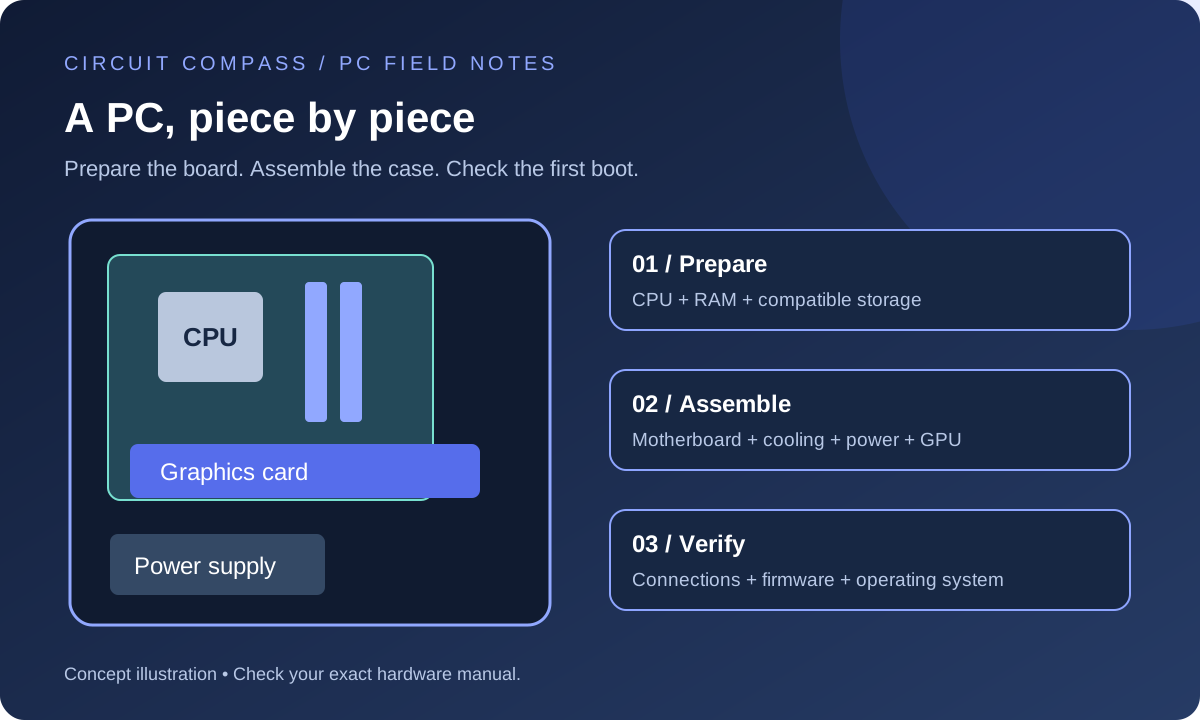
Build your first desktop PC with a clear assembly order, compatibility checks, power-cable guidance and a practical first-boot checklist.
Read guideFROM YOUR FIRST PART TO YOUR FIRST BOOT
Practical, illustrated guides to choosing compatible hardware, assembling your first desktop and making upgrades that actually help.
START HERE
New to building? Start with parts selection, then follow the assembly guide. Already have a PC? Use the upgrade and troubleshooting guides to identify what needs attention before spending money.
Build your first desktop PC with a clear assembly order, compatibility checks, power-cable guidance and a practical first-boot checklist.
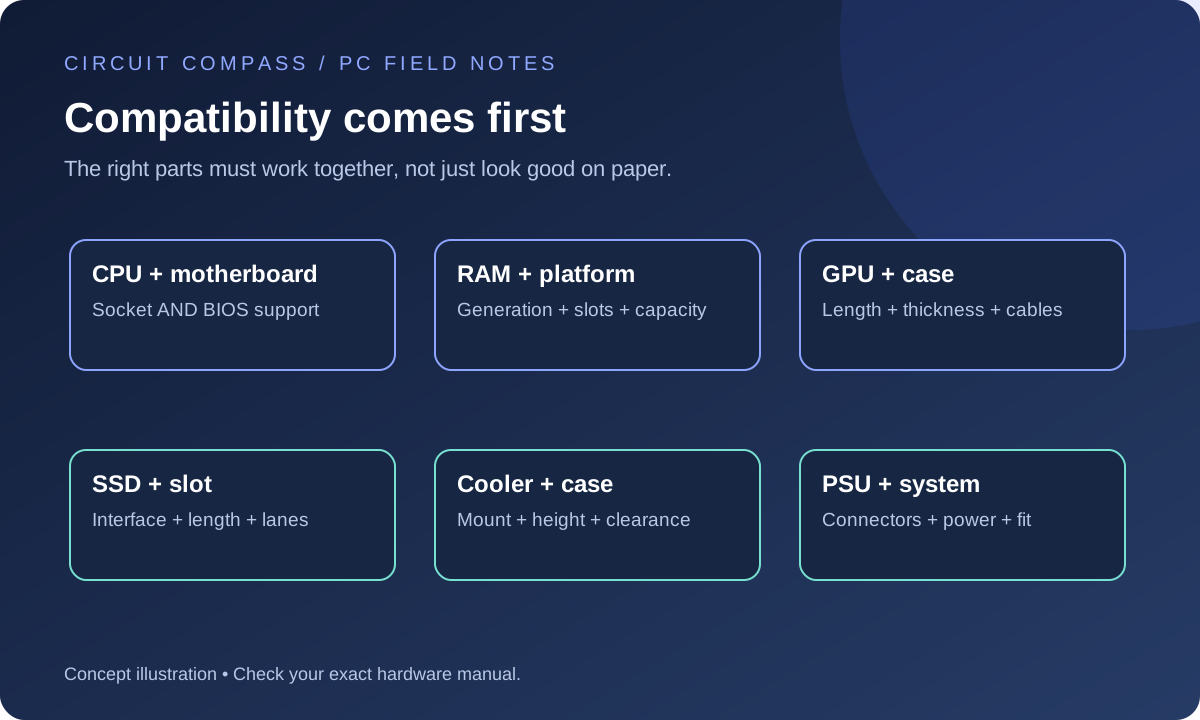
Read guideChoose PC parts around your workload and budget. Compare CPU, GPU, motherboard, RAM, storage, PSU and case compatibility before buying.
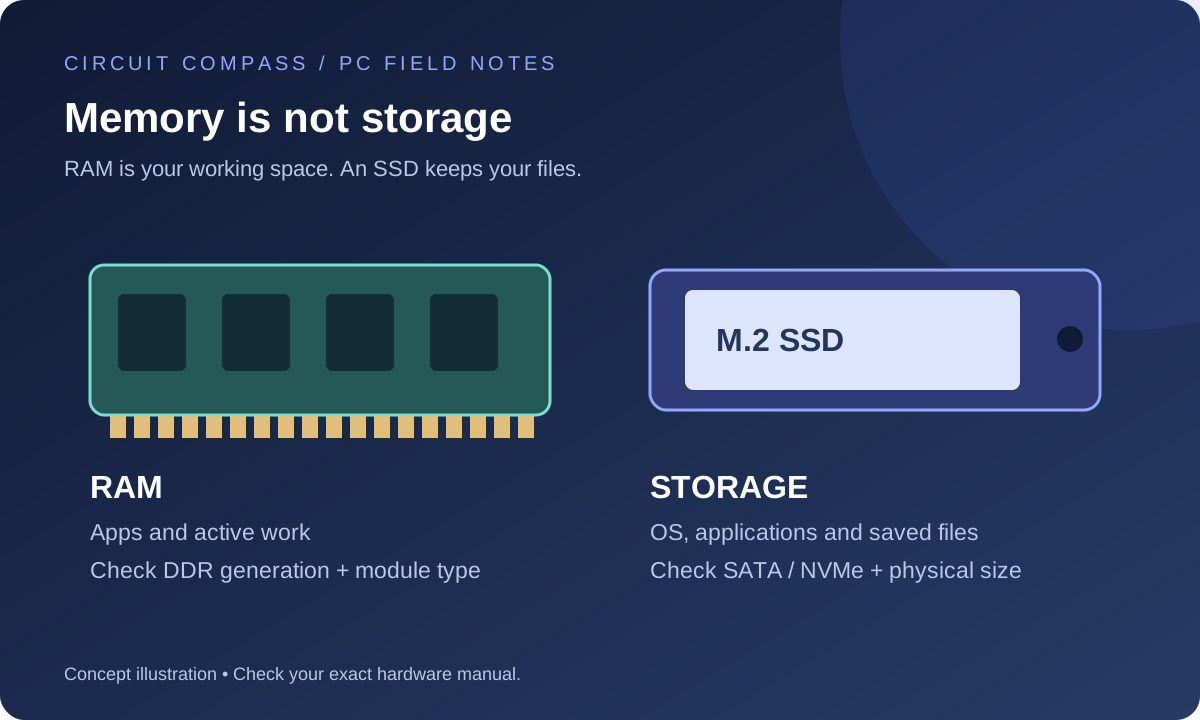
Read guideUnderstand RAM versus storage, DDR4 versus DDR5, and SATA versus NVMe. Check upgrade compatibility and avoid buying a drive or memory kit that cannot fit.
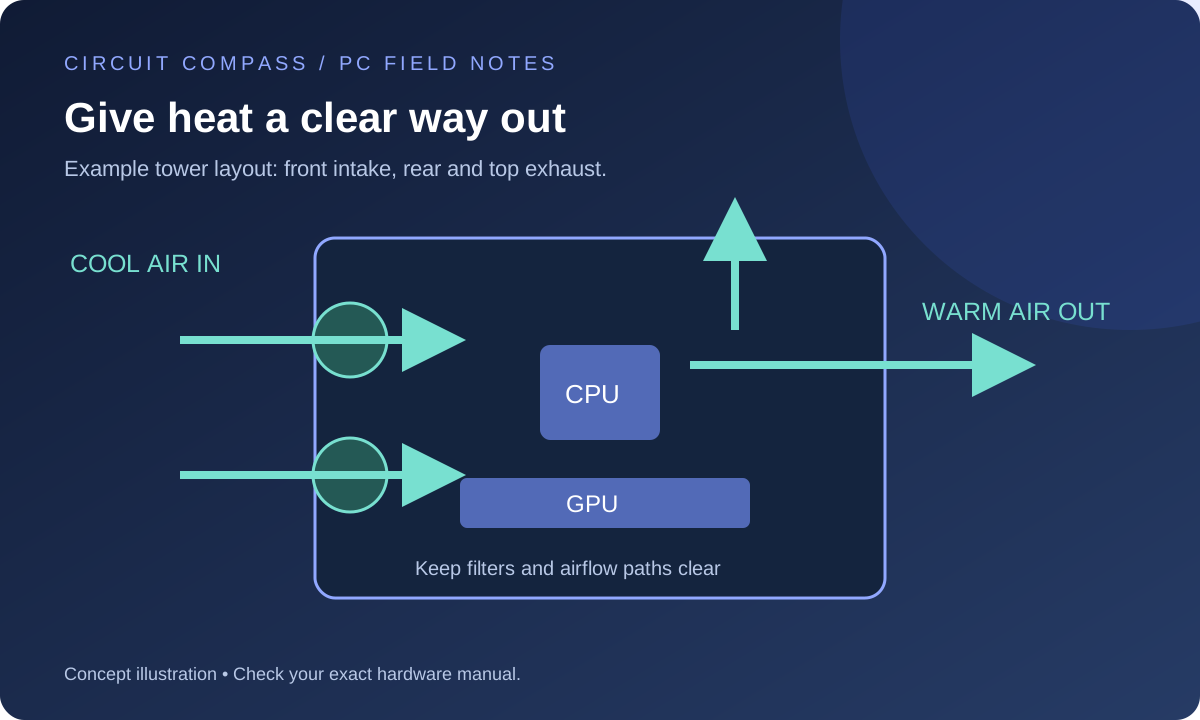
Read guidePlan case airflow, choose fan direction, set useful fan curves and diagnose a hot or noisy PC with a repeatable temperature check.
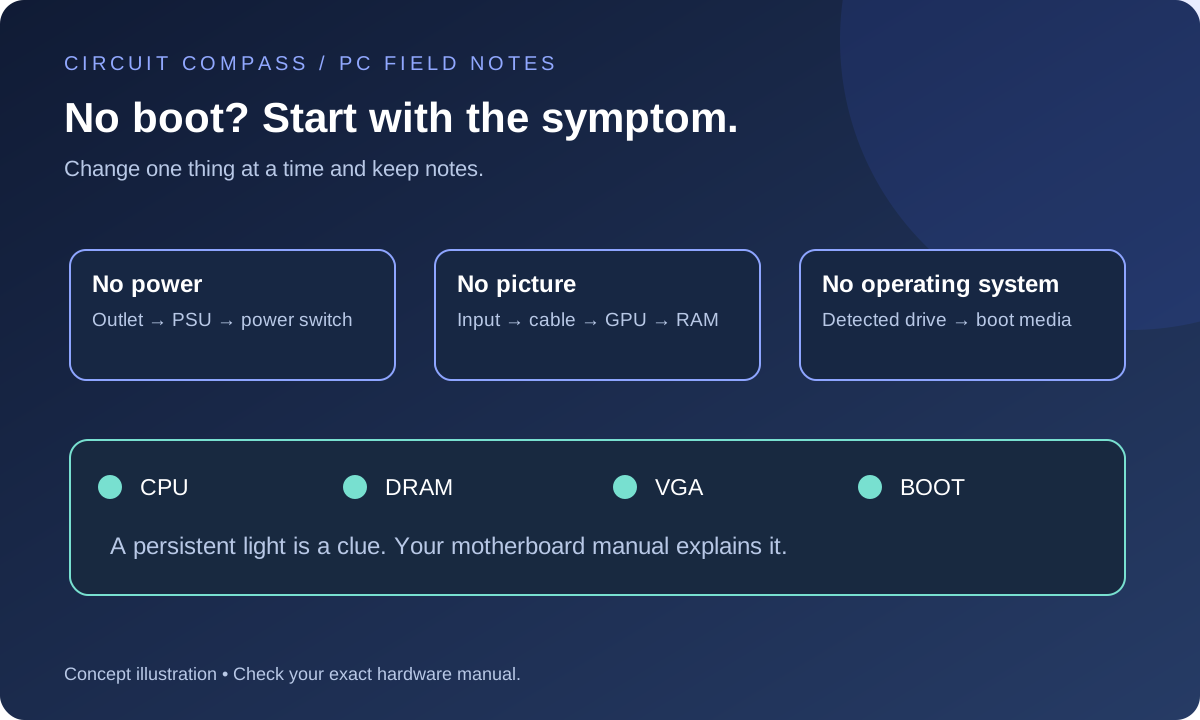
Read guideDiagnose a new PC with no power, no display or no boot device. Follow a symptom-based checklist for cables, memory, graphics and motherboard indicators.
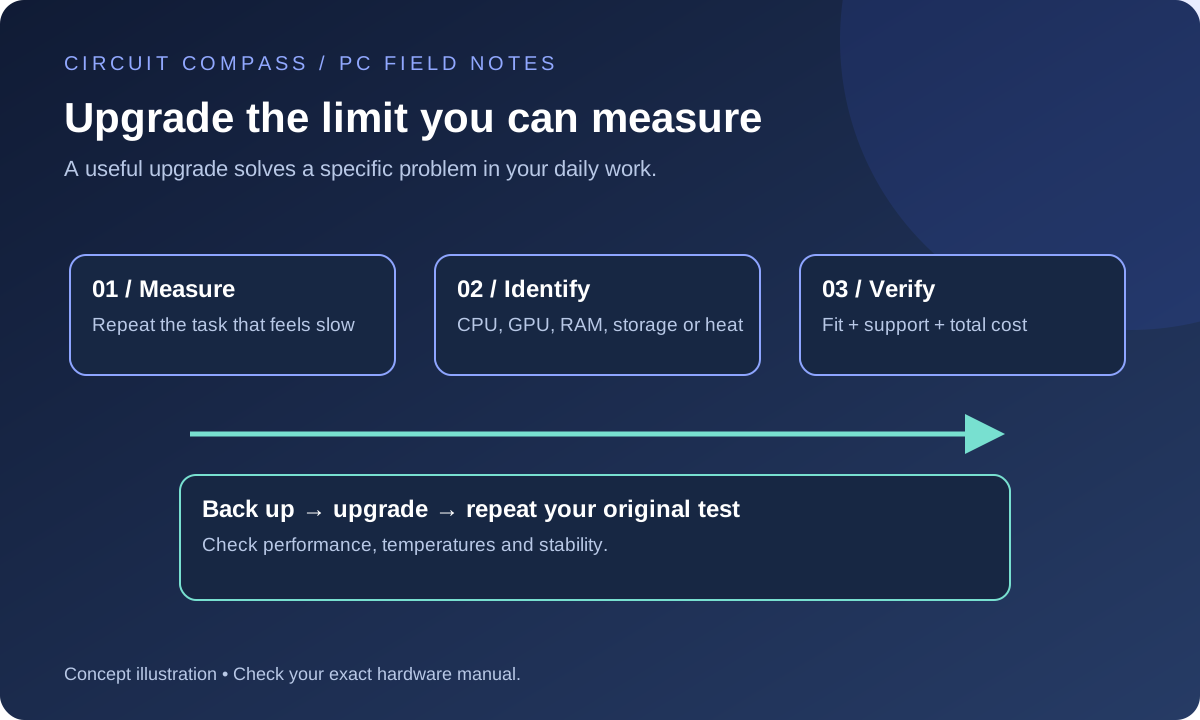
Read guideDecide whether your PC needs more RAM, an SSD, a GPU or a platform upgrade by measuring the workload that feels slow and checking compatibility.
Read guide