
Coding Roadmap for Beginners: Learn by Building
Start learning to code with a practical web development roadmap, small projects, debugging habits and clear checkpoints for HTML, CSS and JavaScript.
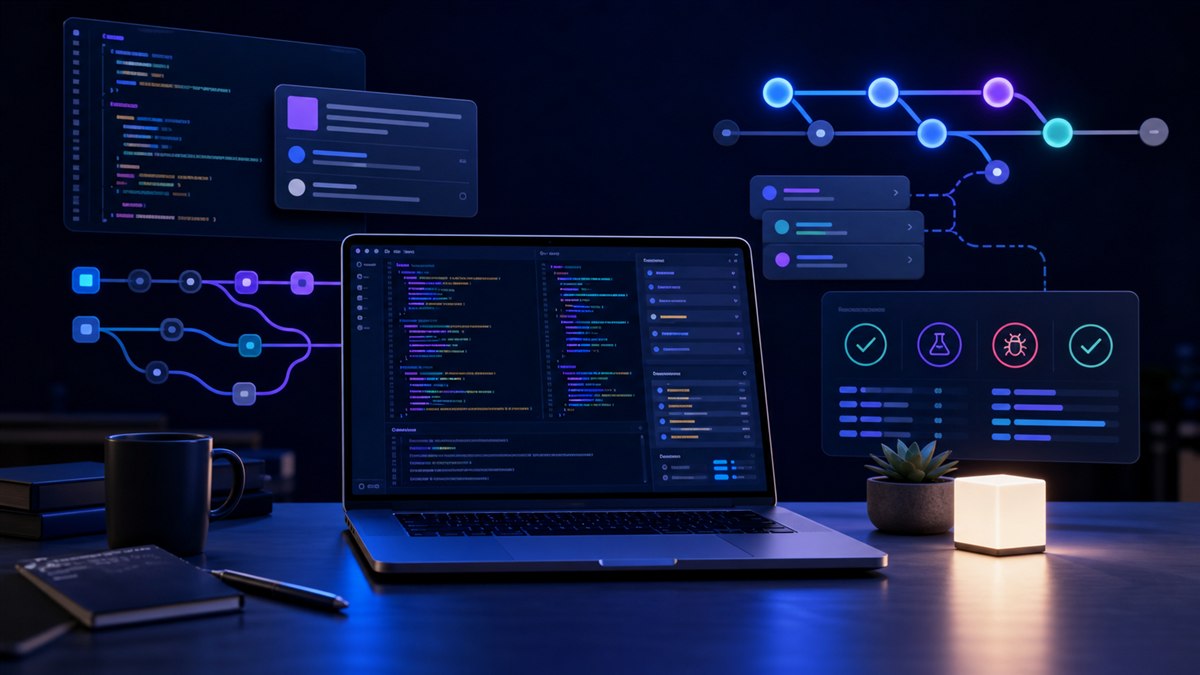
Learning to code becomes easier when every topic helps you build something small. This roadmap uses websites as a starting point because you can see the result in a browser. Work through the checkpoints at your own pace; the goal is to explain and change your code, not to finish a playlist.
Pick a small project and prepare your tools
Choose a useful first project: a study timetable, a personal reading list or a page explaining one of your hobbies. Keep the first version small enough to finish without accounts, payments or a server. Write three things it must do and postpone the rest.
You need a text editor, a modern browser and a folder for the project. Learn to create and rename files, recognize file extensions and read a folder path. Expensive hardware is unnecessary for basic web pages; use the computer you have before deciding that it needs upgrading.
Follow checkpoints instead of a fixed deadline
| Stage | Practice | Ready to move on when… |
|---|---|---|
| HTML | Headings, paragraphs, lists, links, images and labels | Your timetable reads clearly with styles disabled |
| CSS | Spacing, typography, layout and responsive sizing | The page works on a narrow screen without sideways scrolling |
| JavaScript | Values, conditions, loops, functions and events | A button updates the page and you can explain each step |
| Debugging | Console messages, breakpoints and small experiments | You can locate a deliberate bug instead of replacing all the code |
| Git | Status, differences and meaningful commits | You can inspect what changed and save a working milestone |
The MDN learning materials provide lessons and exercises for the web fundamentals. Use one structured course as your reference while you build your own project alongside it.
Try a tiny function you can explain
Paste this example into your browser’s developer console on a blank page. It calculates study minutes from a session count. It does not need a library or a build tool.
function studyMinutes(sessions, minutesPerSession) {
  return sessions * minutesPerSession;
}

console.log(studyMinutes(4, 25)); // 100
console.log(studyMinutes(0, 25)); // 0
Before running it, predict both results. Next, change the session length to 30 and predict again. This habit connects the code to a mental model instead of treating it as text to memorize.
Now consider a real form: its values arrive as text, and someone may leave a field empty or enter a negative number. Your next task is to convert the input to a number, check it and show a helpful message. Separating calculation from input validation keeps the function easier to test.
Build three versions of the same project
- Version one: display a weekly timetable with meaningful headings and a list of subjects.
- Version two: make the layout adapt to a phone and add visible keyboard-focus styles.
- Version three: let the reader enter a session count and calculate study time. Handle empty and invalid input.
After each version, write a short note explaining what works, one limitation and the next change. Save a Git commit with a message that describes the result. Start with our Git commands guide when you need a reference.
Ask someone to try the page without instructions. Where they hesitate is useful evidence. Can they find the main action? Does a keyboard user reach it? Does the result remain readable when text is enlarged?
Practice a repeatable debugging routine
State what you expected, what happened and the smallest action that reproduces it. Read the first relevant error, inspect the values and change one thing at a time. If the page is blank, check the console and file path before rewriting the logic.
Keep a short bug notebook. For each problem, record the symptom, cause and fix. Over time it becomes a guide to your own recurring mistakes, such as spelling a variable differently or reading a form value before the user enters it.
If you use an AI assistant, ask it to explain an error or suggest a test. Read and run the result yourself, avoid pasting secrets, and try to reproduce the fix without copying. Code you cannot explain is difficult to maintain.
Choose the next topic from your project
Learn data structures and problem solving when your data becomes awkward to manage. Learn HTTP and APIs when your page needs remote information. Learn a framework when you understand the browser fundamentals and can describe the problem the framework will solve.
Should I learn Python or JavaScript first?
JavaScript is a natural first choice for browser interaction. Python can fit scripting, automation and many introductory programming courses. Pick the language that supports one concrete project and stay with it long enough to finish.
When am I ready for a portfolio?
When you can demonstrate a working project, explain your decisions and describe its limitations. A small project you understand is more informative than a large copied demo.
Sources and further reading
Consult the linked documentation for details and version-specific requirements. The exercises are designed for learning; results can vary with your browser and environment.
Found something that needs updating? Send a correction with the page URL and a supporting source. Read our editorial policy.