PC Guides
Best Processors for Video Editing in 2026: What to Buy
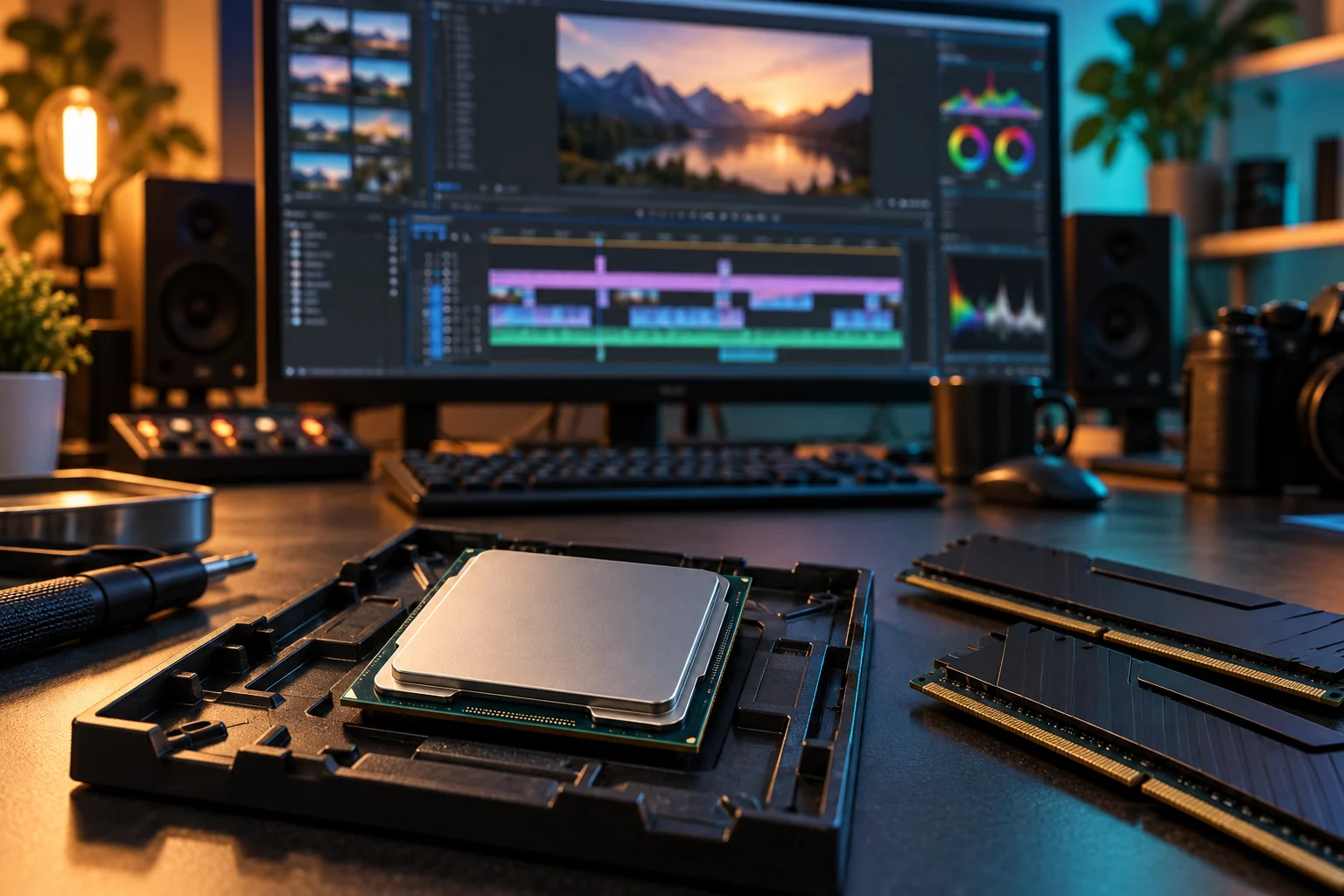
Choose a video editing CPU in 2026: compare Ryzen, Intel Core Ultra and Apple M5 options by codecs, Premiere workflows, memory and total system cost.
Read guide →FROM YOUR FIRST PART TO YOUR FIRST BOOT
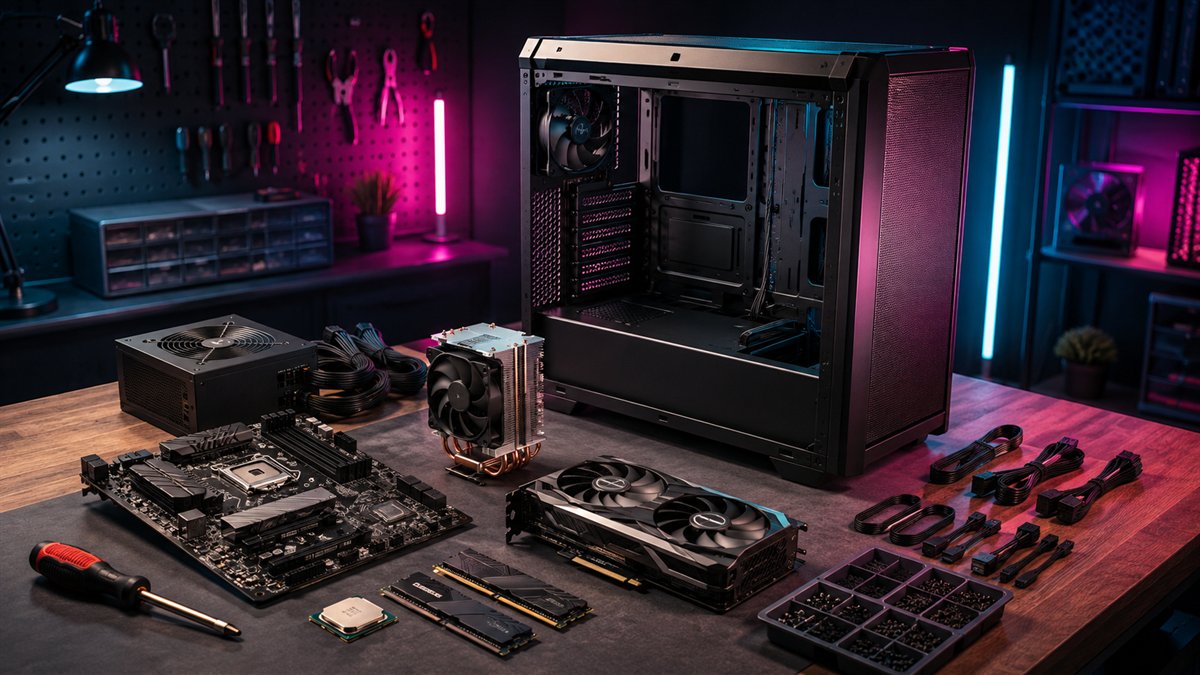
Practical, illustrated guides to choosing compatible hardware, assembling your first desktop and making upgrades that actually help.
START HERE
New to building? Start with parts selection, then follow the assembly guide. Already have a PC? Use the upgrade and troubleshooting guides to identify what needs attention before spending money.
Choose a video editing CPU in 2026: compare Ryzen, Intel Core Ultra and Apple M5 options by codecs, Premiere workflows, memory and total system cost.
Read guide →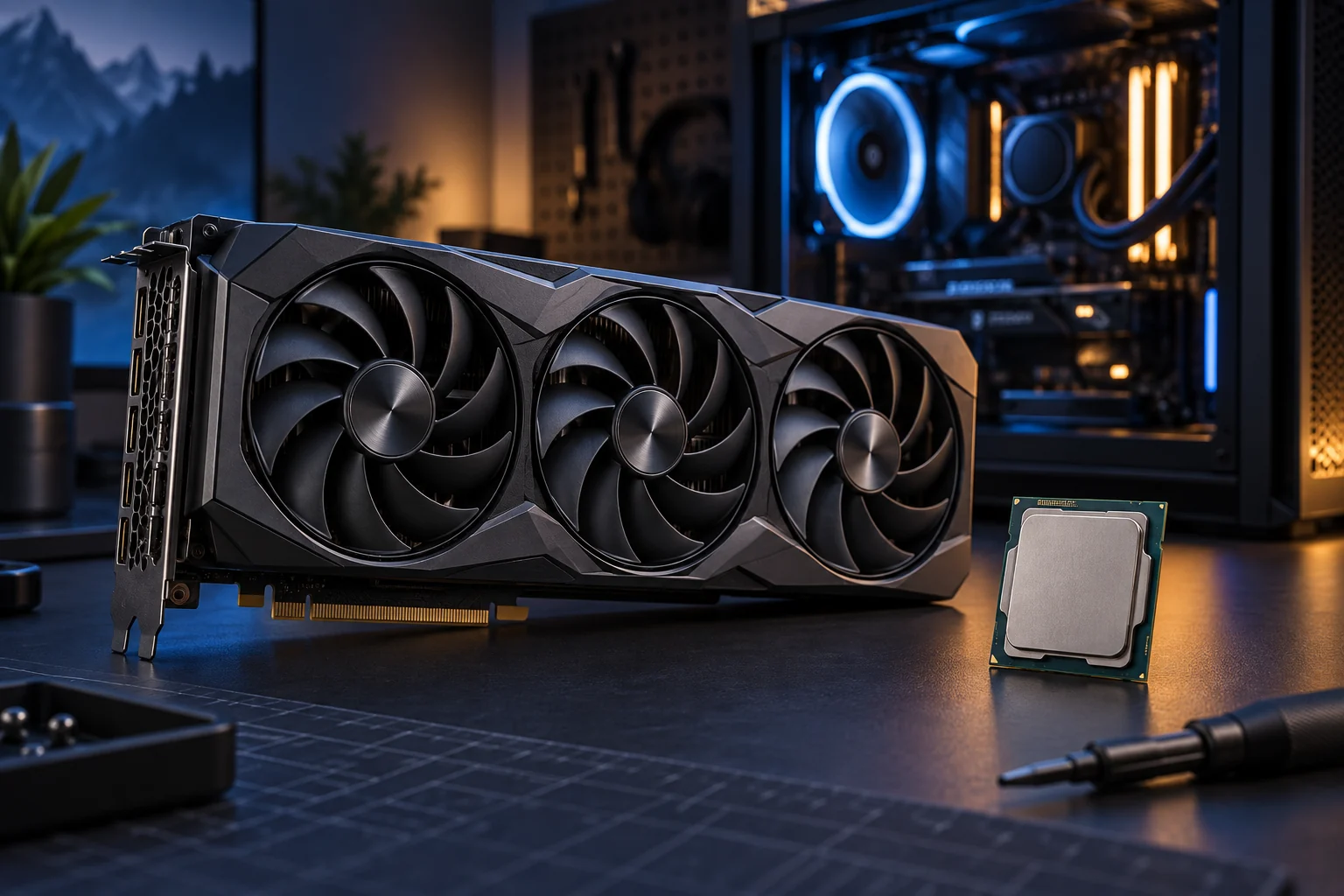
Build a balanced gaming PC in 2026 with CPU and GPU pairings for 1080p, 1440p and 4K, plus advice on VRAM, ray tracing, power and compatibility.
Read guide →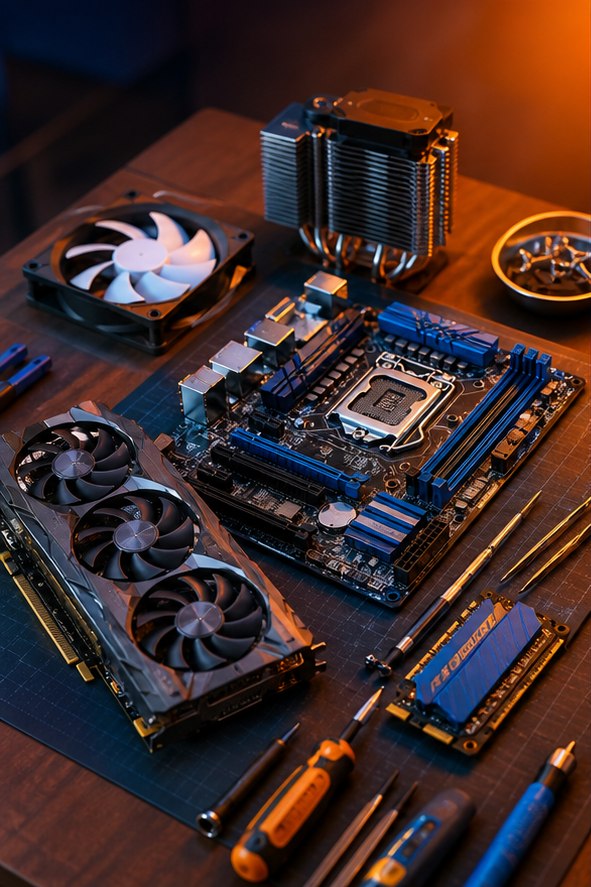
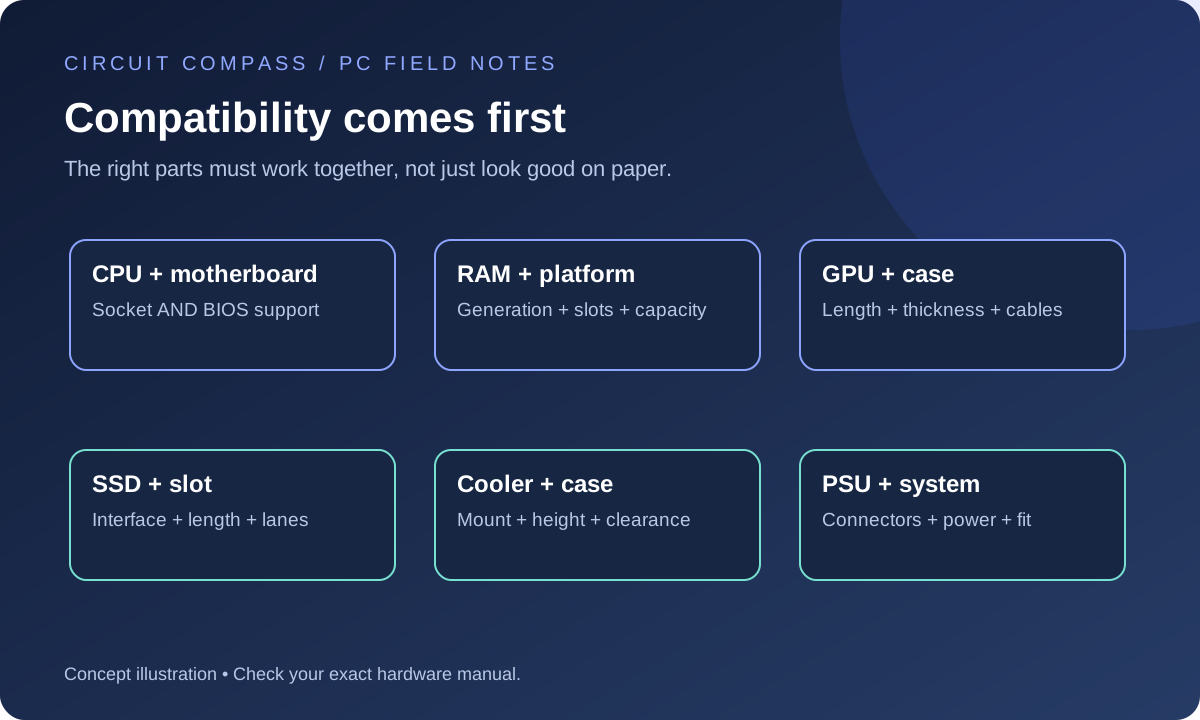
Avoid common PC building mistakes with a checklist for CPU and motherboard support, RAM, GPU clearance, power supply cables, cooling and first boot.
Read guide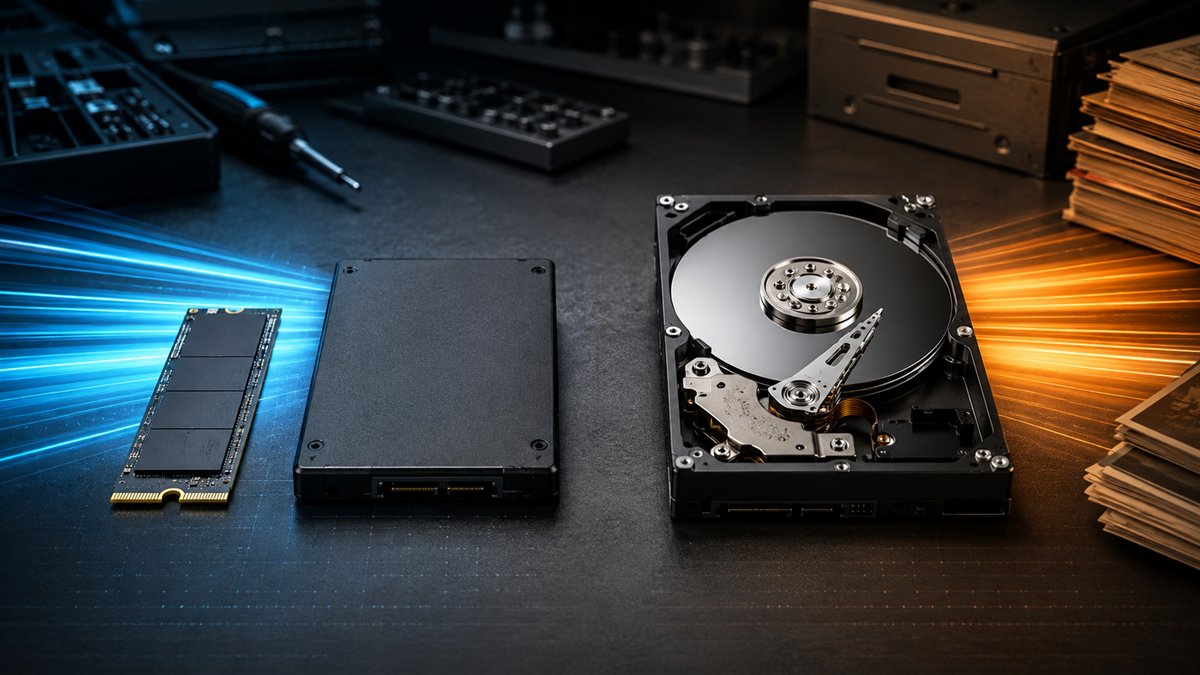
Compare SSD vs HDD speed, durability, capacity, noise, lifespan and cost for laptops, desktops, gaming, backups and long-term storage.
Read guide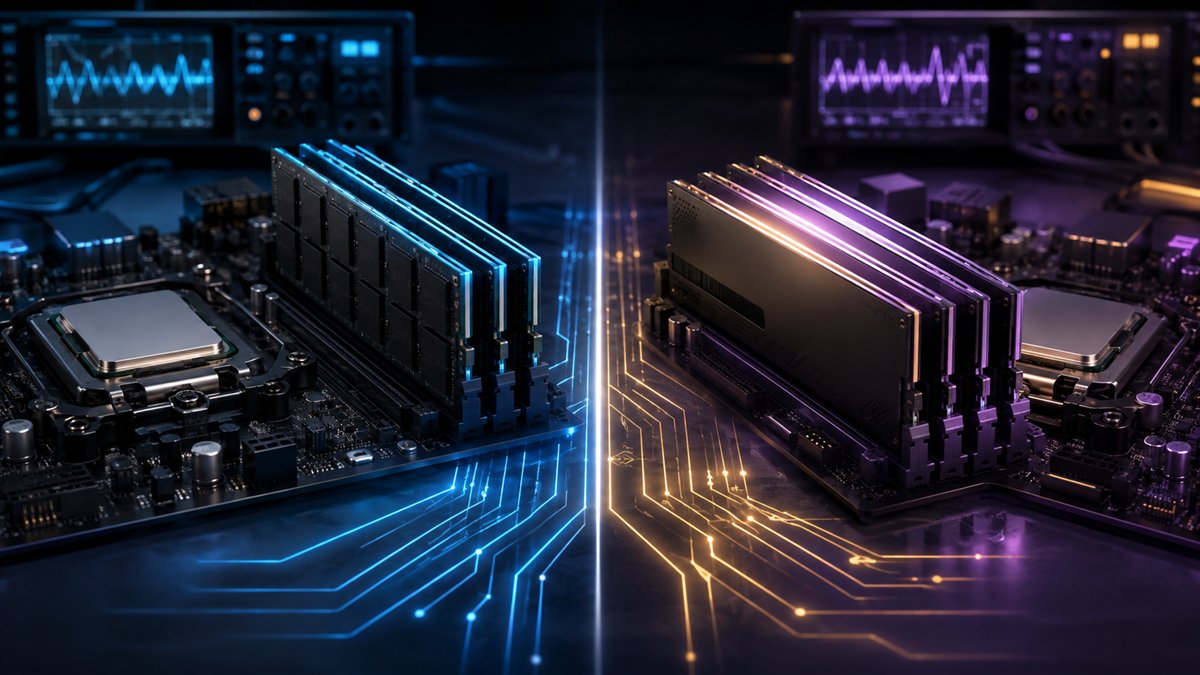
Compare DDR4 vs DDR5 speed, latency, capacity, power, price and CPU or motherboard compatibility for gaming PCs and upgrades.
Read guideBuild your first desktop PC with a clear assembly order, compatibility checks, power-cable guidance and a practical first-boot checklist.
Read guideChoose PC parts around your workload and budget. Compare CPU, GPU, motherboard, RAM, storage, PSU and case compatibility before buying.
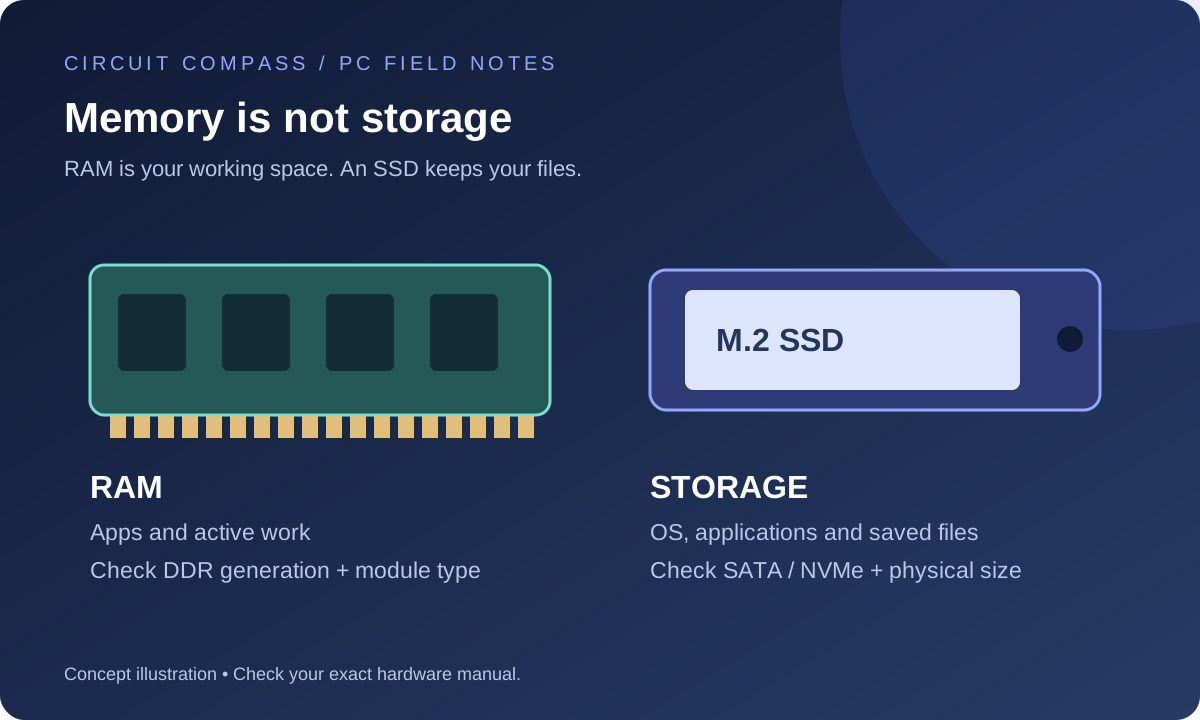
Read guideUnderstand RAM versus storage, DDR4 versus DDR5, and SATA versus NVMe. Check upgrade compatibility and avoid buying a drive or memory kit that cannot fit.
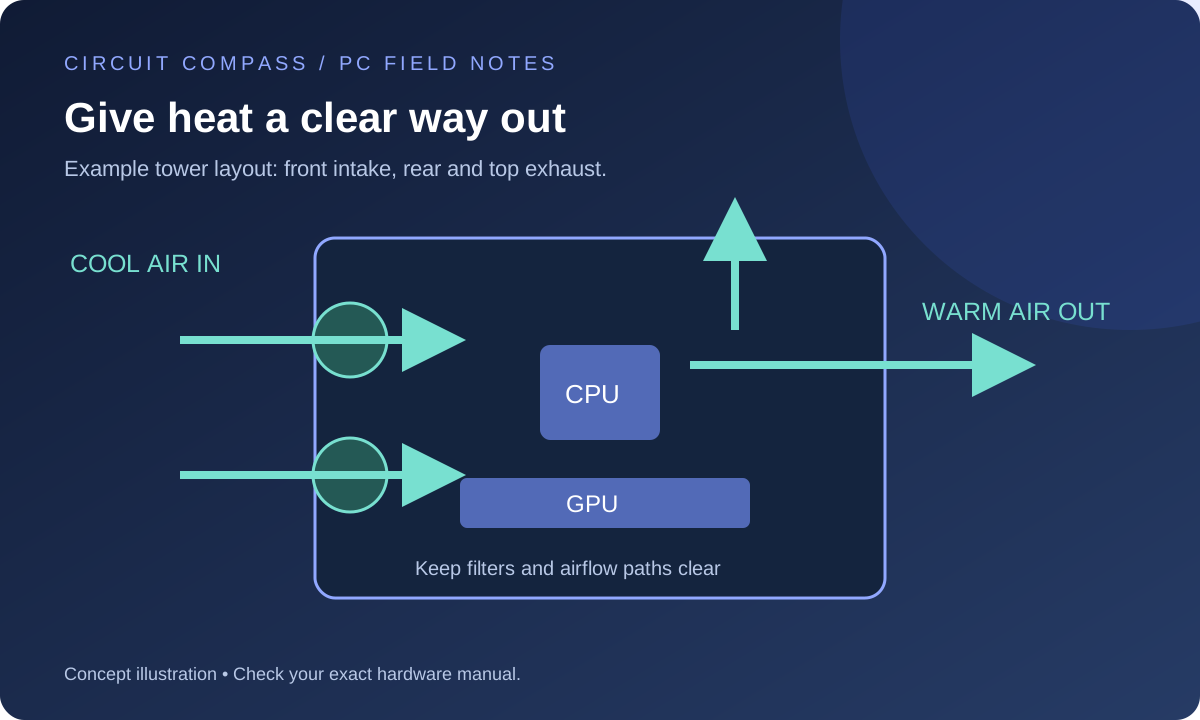
Read guidePlan case airflow, choose fan direction, set useful fan curves and diagnose a hot or noisy PC with a repeatable temperature check.
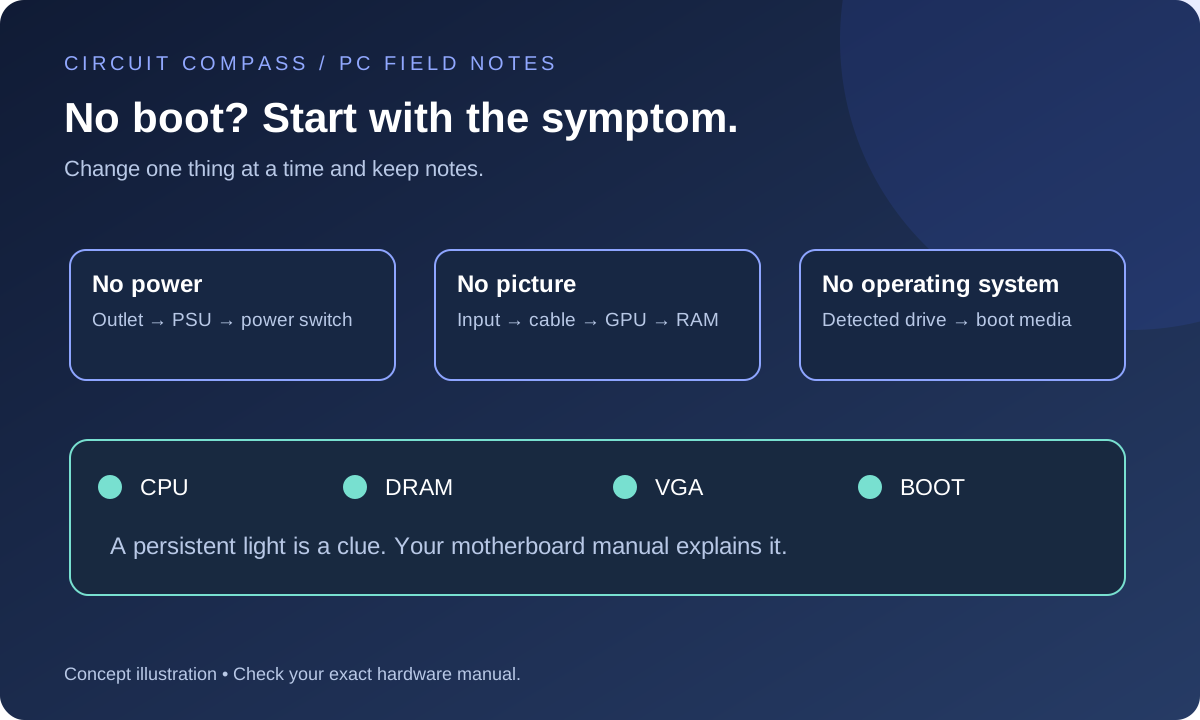
Read guideDiagnose a new PC with no power, no display or no boot device. Follow a symptom-based checklist for cables, memory, graphics and motherboard indicators.
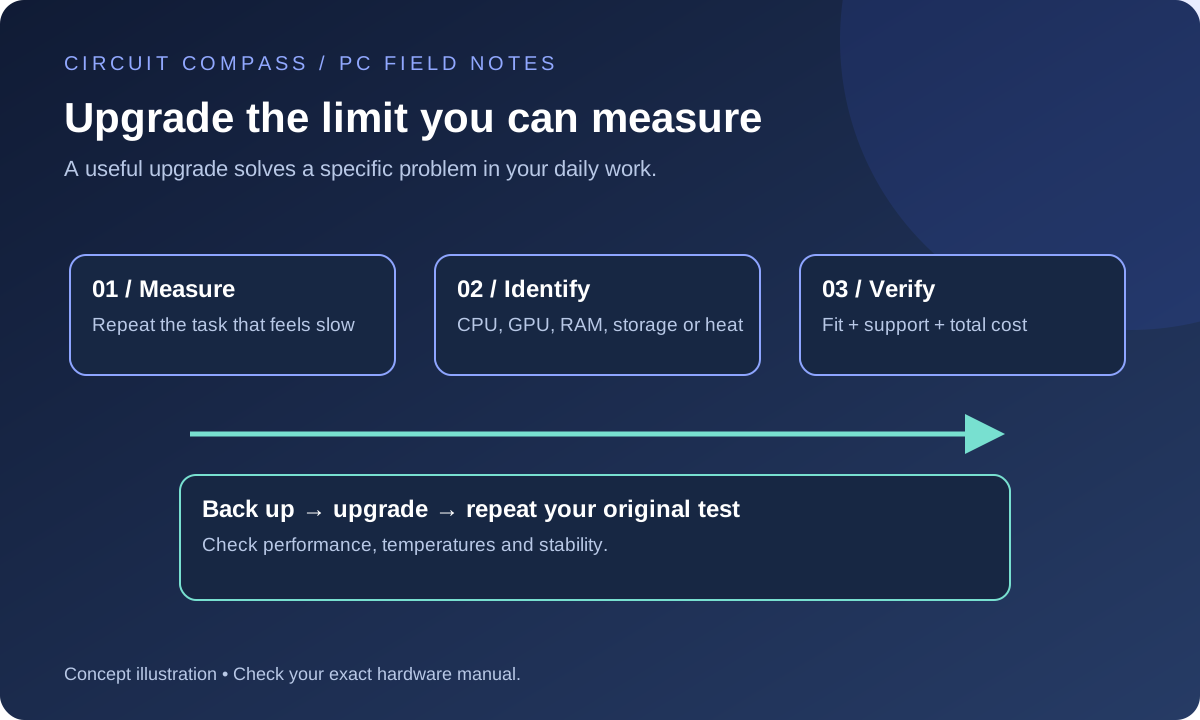
Read guideDecide whether your PC needs more RAM, an SSD, a GPU or a platform upgrade by measuring the workload that feels slow and checking compatibility.
Read guide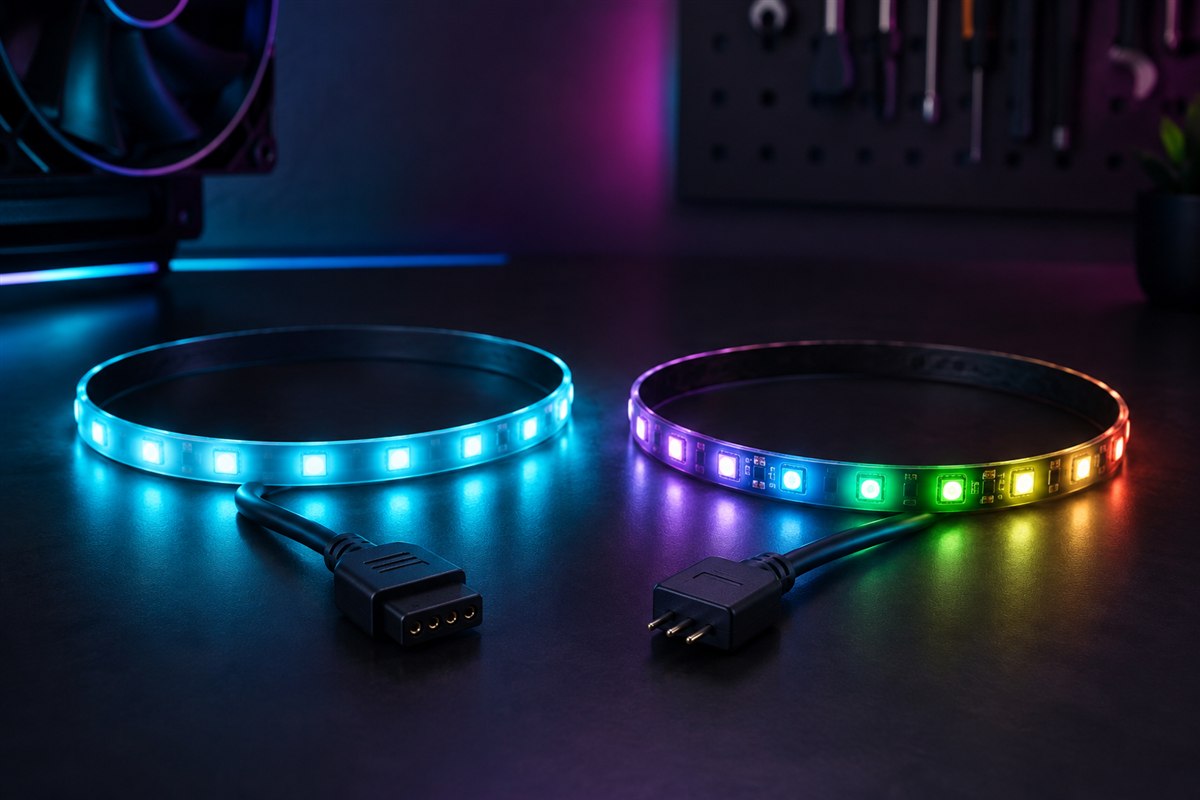
Compare connectors, voltage, effects, controllers and compatibility before adding PC lighting.
Read guide
Compare performance, memory, power, cost and upgradeability before choosing graphics hardware.
Read guide
Understand frame rate, frame time, refresh rate, 1% lows and variable refresh rate.
Read guide
Improve FPS and frame-time consistency with measured graphics, driver, thermal and hardware changes.
Read guide
Distinguish zero-RPM mode from cooling, power, software and fan hardware faults.
Read guide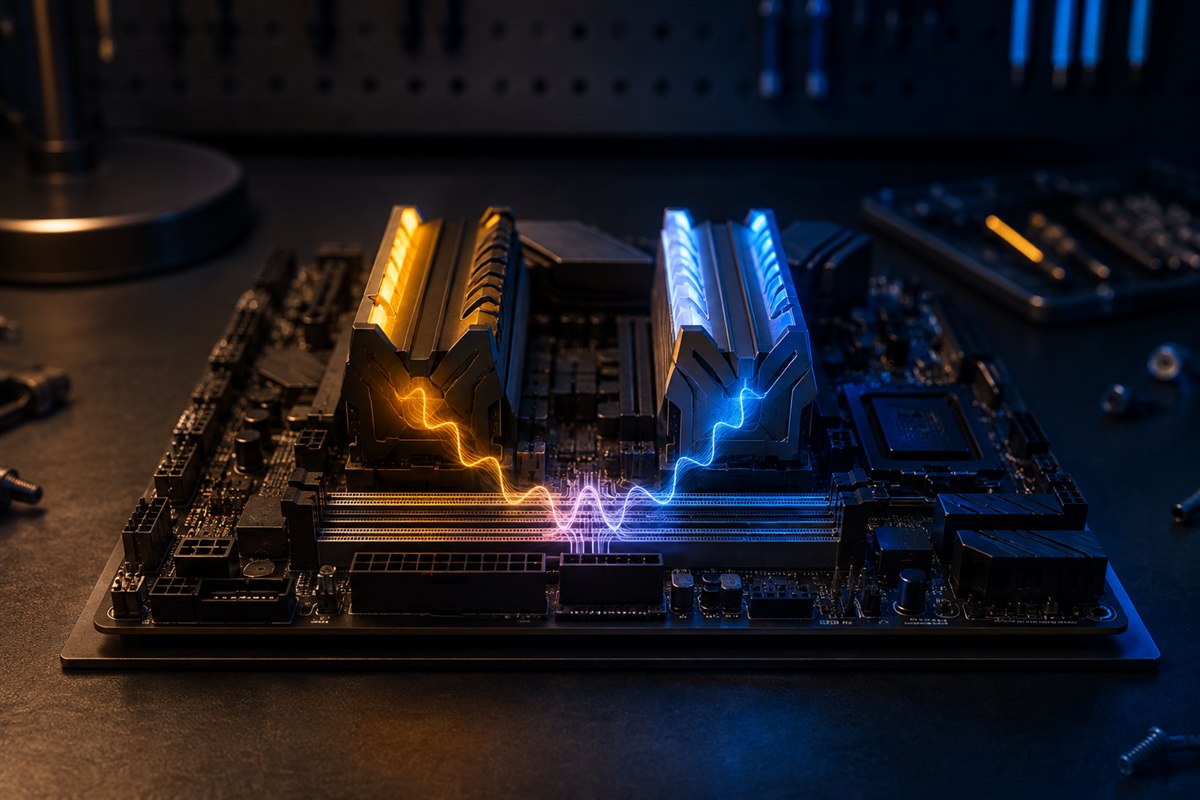
Understand mixed RAM speed, timing, capacity, channels and stability before upgrading.
Read guide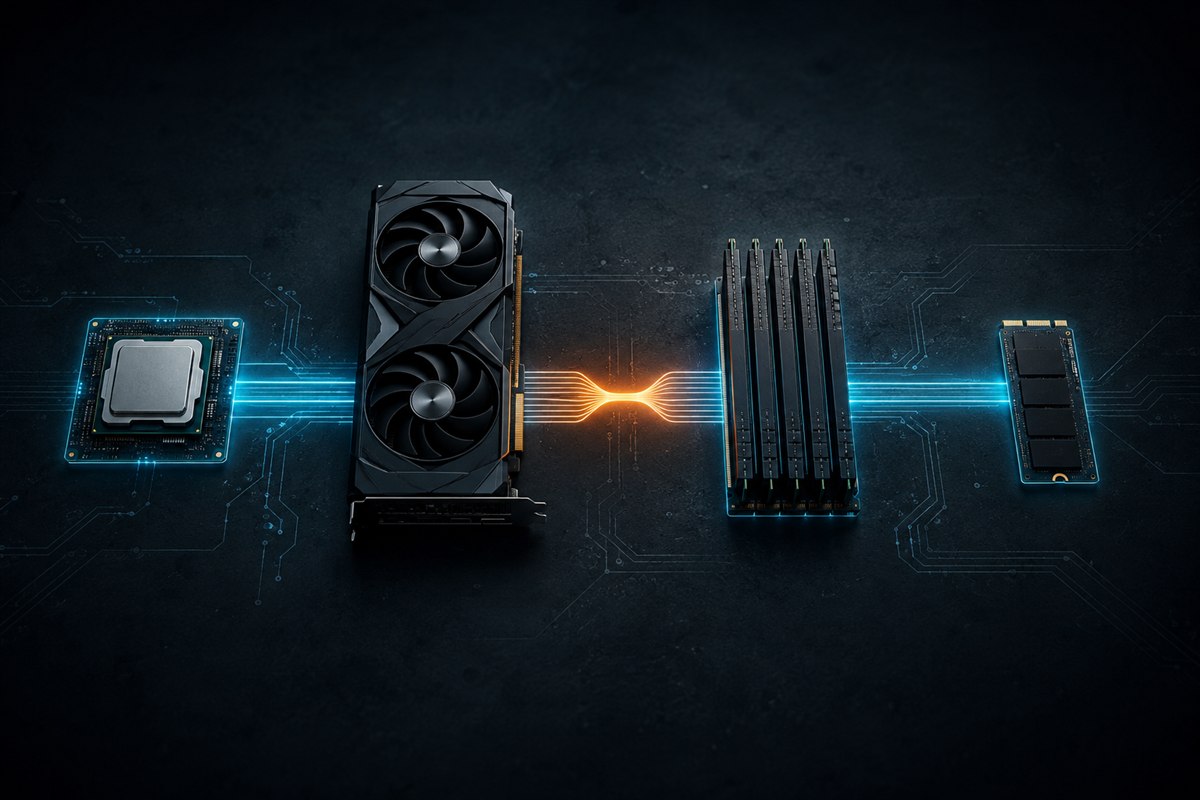
Find CPU, GPU, memory, storage and platform limits using repeatable measurements.
Read guide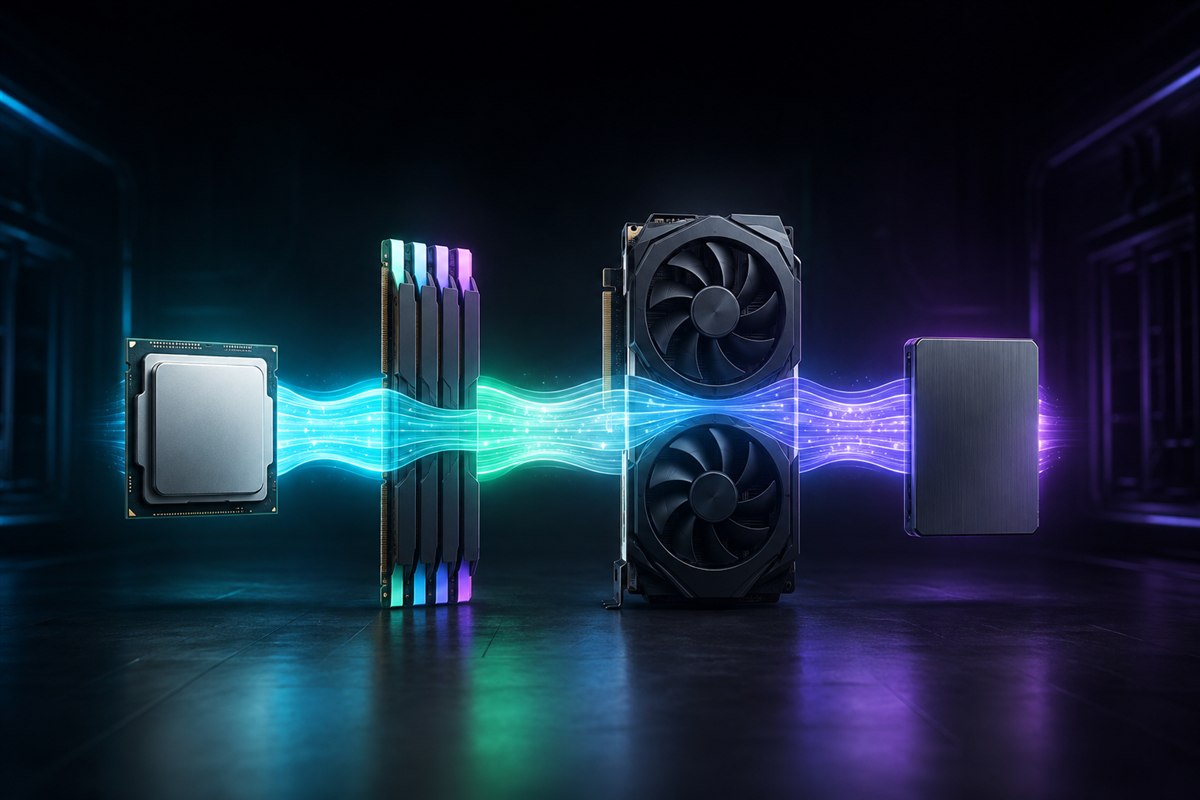
Apply targeted fixes to measured CPU, GPU, memory, storage and thermal constraints.
Read guide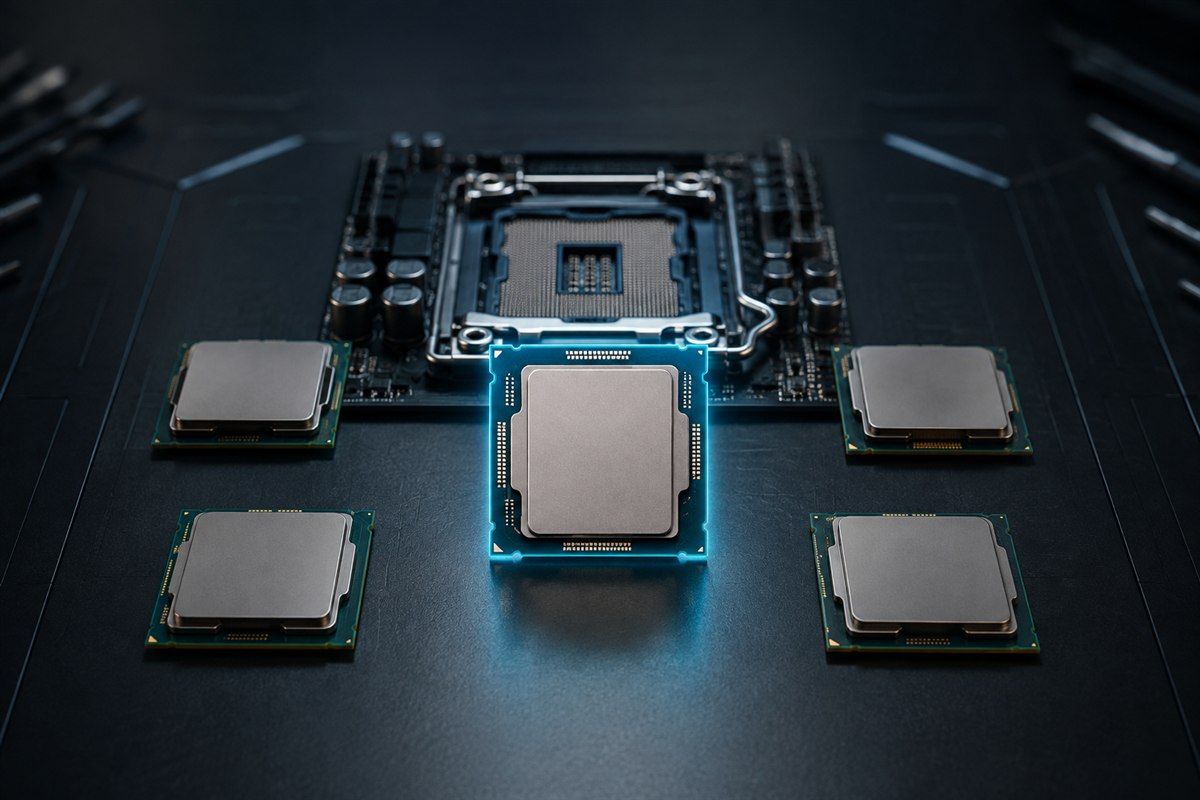
Choose a CPU by workload, benchmarks, compatibility, cooling and total platform cost.
Read guide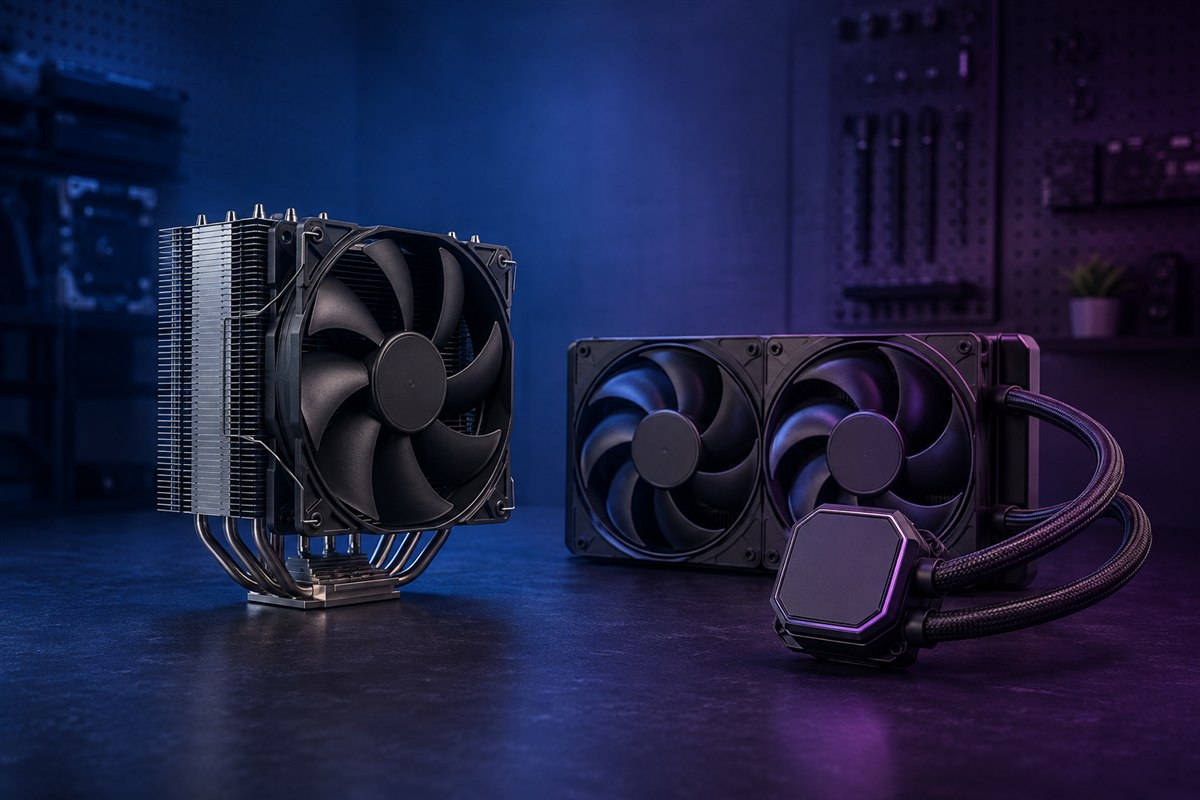
Compare CPU coolers for performance, noise, reliability, maintenance, fit and value.
Read guide