
How to Choose a Laptop You Will Still Like in Five Years
Choose a laptop by workload, display, battery, ports, repairability and support instead of comparing specification labels alone.
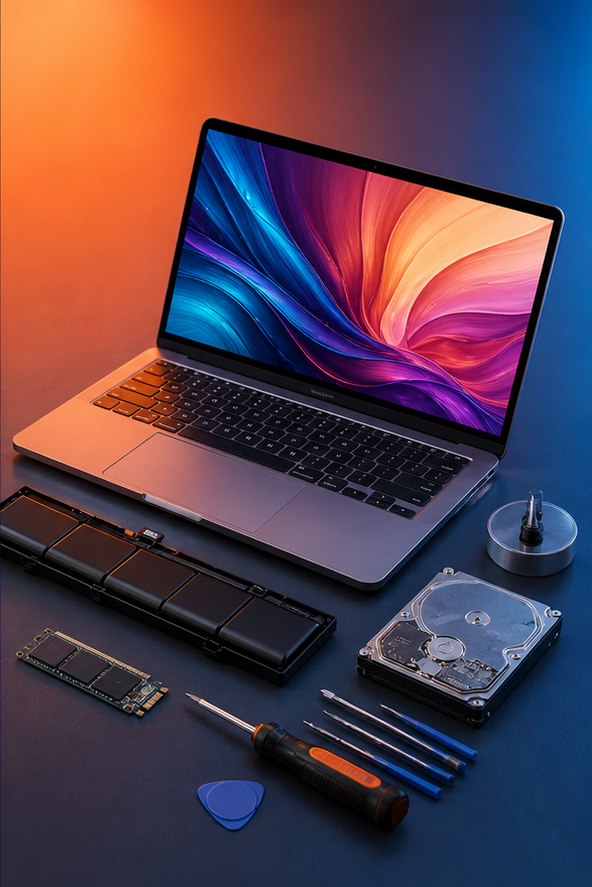
Choose a laptop by workload, display, battery, ports, repairability and support instead of comparing specification labels alone. Use this practical checklist as a starting point and confirm model-specific instructions with the service or device maker.
Define where and how you work
List the applications, browser-tab load, video-call use, games or creative projects the laptop must handle. Add the screen size, travel weight, keyboard layout and ports you use every week. A powerful laptop can still be a poor choice if it is too heavy to carry or lacks a required connection.
Check each critical application’s current recommended requirements and operating-system support.
Compare processor and graphics using real tasks
Model names and core counts do not tell the whole story across generations. Look for reputable tests using the applications and power modes relevant to you. Integrated graphics can suit office, study and media work; demanding games, 3D work and some AI tools may need a supported dedicated GPU.
A faster component in a thin chassis may not sustain the same performance as it does in a larger cooling system.
Buy enough memory and storage
Choose capacity from measured use and application recommendations. Confirm whether memory is soldered, replaceable or partly upgradeable. Plan storage for the OS, applications, games, active projects and updates, then maintain a separate backup.
A replaceable SSD can extend useful life, but check its physical size, interface and warranty procedure.
Judge the parts you touch
Compare display resolution, brightness, color needs, refresh rate and coating in the environment where you work. Test keyboard comfort, trackpad, webcam, speakers and port placement if possible. Read independent battery tests that describe their workload; manufacturer figures may use much lighter conditions than yours.
Check whether charging uses a standard connector and whether the supplied adapter provides full performance.
Check support, repair and total cost
Read warranty coverage, local service availability, battery replacement procedure and firmware-support history. Include adapters, storage, a dock and an extended warranty only when each solves a real need. Before buying, write down the exact model and configuration; laptops sharing a product name can have different displays, memory and batteries.
References and further reading
These primary resources support the guidance and provide current, service-specific instructions.
Found something that needs updating? Send a correction with the page URL and supporting source.