
iPhone Settings for Privacy and Focus
Review practical iPhone settings for privacy, focus, safety and a less distracting phone.
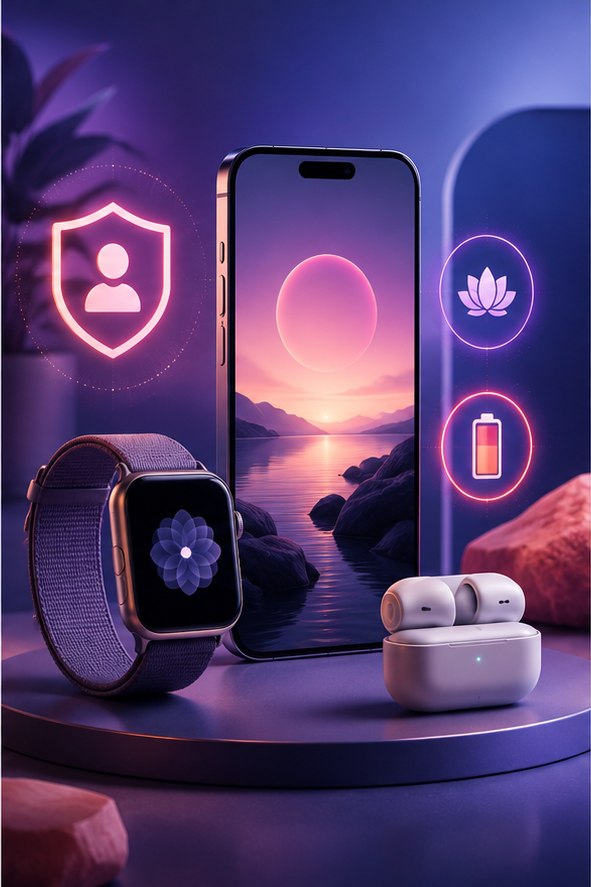
Review practical iPhone settings for privacy, focus, safety and a less distracting phone. Start with the checks below and confirm the effect of each change before moving on.
Privacy and safety first
Review Location Services, Tracking and Safety Check. Keep Find My enabled and set a strong passcode. Only grant precise location to apps that genuinely need it.
Reduce interruptions
Use Focus modes, Notification Summary and per-app notification controls. Turn off previews on the Lock Screen if messages may contain sensitive information.
Tune everyday use
Customize Control Center, enable Back Tap if useful and review Background App Refresh. For power-saving choices, read our iPhone battery guide.
Review iPhone privacy and focus settings
Start in Settings > Privacy & Security and review access by category. Camera, microphone, photos, contacts, Bluetooth and location permissions should match what each app actually does. “While Using the App” is usually a sensible location choice for maps, delivery and travel tools. Precise Location can remain off when an approximate area is enough.
Reduce interruptions without missing essentials
Open Notifications and inspect the apps that appear most often. Disable marketing categories where an app offers them, remove Lock Screen delivery for private alerts and keep time-sensitive access only for services that need it. Focus modes can allow chosen people and apps during work or sleep. Test calls from important contacts before relying on a schedule.
Account and device checks
- Open your Apple Account in Settings and remove devices you no longer own.
- Confirm trusted phone numbers and account-recovery information are current.
- Use a strong device passcode and enable Face ID or Touch ID where appropriate.
- Review Safety Check if you need to examine sharing with people and apps.
- Enable automatic iOS security updates and keep a recent encrypted or cloud backup.
Menu names can change with iOS releases. Use Apple’s Settings search or documentation for the version on your phone. Avoid configuration profiles and VPN certificates from untrusted links; they can alter how the device connects or is managed. After changing sharing or notification settings, verify that navigation, emergency alerts, authentication apps and family features still work as intended.