
How to Improve Android Battery Life
Extend Android battery life with settings that preserve convenience and performance.
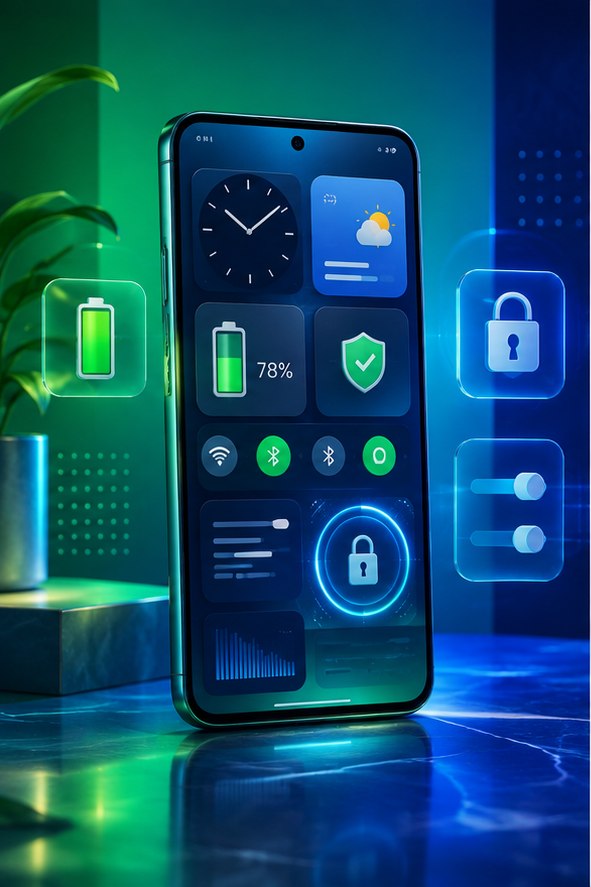
Extend Android battery life with settings that preserve convenience and performance. Start with the checks below and confirm the effect of each change before moving on.
Find the real drain
Open Battery usage in Settings and look for apps consuming more power than expected. Poor mobile signal, navigation, gaming and high brightness can be bigger causes than background apps.
Settings that help
Use adaptive brightness, shorten screen timeout and restrict background use only for nonessential apps. Keep Android and apps updated, and use Battery Saver when you need extra time.
Protect battery health
Avoid leaving the phone in a hot car or under a pillow while charging. Heat accelerates wear. For more useful settings, see hidden Android features.
Diagnose battery drain with evidence
Charge the phone normally, use it for several hours and open Settings > Battery to see which apps consumed power. High use from navigation, video, gaming or mobile hotspot activity may be expected. An app that remains near the top while you barely used it deserves attention. Check its background activity, location permission, notifications and update status before uninstalling it.
Changes that usually help
- Use adaptive brightness and shorten the screen timeout.
- Restrict background use for nonessential apps rather than applying restrictions to messaging, alarm or health apps you rely on.
- Prefer Wi-Fi where the mobile signal is weak; repeatedly searching for a signal consumes power.
- Turn off an active hotspot, navigation session or screen recording when finished.
- Install system and app updates, then restart after an update if drain began suddenly.
Battery-saver mode can delay synchronization and reduce performance, so test whether important alerts still arrive. Constantly force-closing every app can be counterproductive because Android may need to start it again.
Recognize an aging or unsafe battery
A gradual loss of runtime over years is normal. Sudden shutdowns at a displayed charge, rapid percentage jumps or a case separating from the frame can indicate a failing battery. Stop charging or pressing on a swollen device and arrange qualified service. Before repair, back up important data and confirm the shop’s data-handling process. Compare battery life over several ordinary days; one unusually busy day is not a reliable diagnosis.