
Useful Android Features to Explore
Find useful Android shortcuts for privacy, multitasking, notifications and daily use.
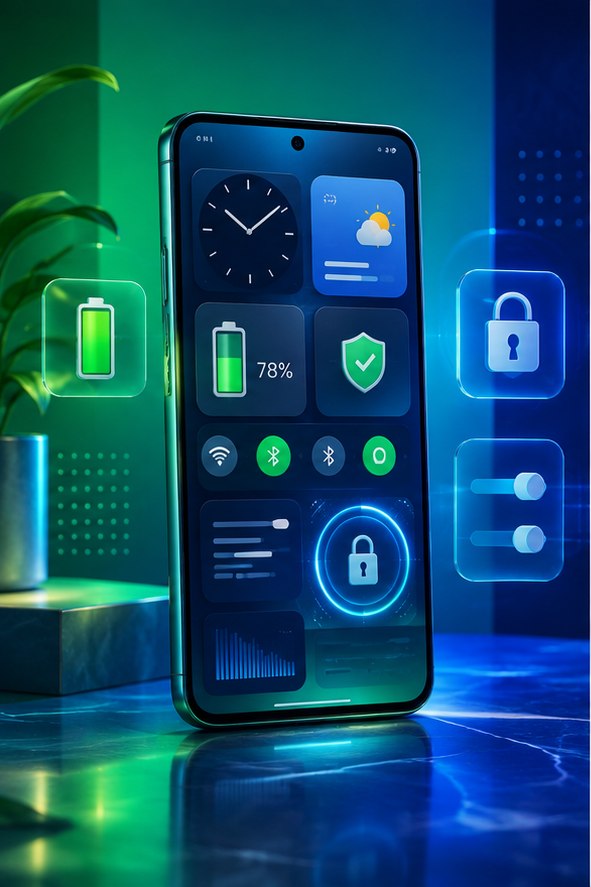
Find useful Android shortcuts for privacy, multitasking, notifications and daily use. Start with the checks below and confirm the effect of each change before moving on.
Features worth finding
Try notification history, app pinning, split screen, one-handed mode, Live Caption and Quick Share. Names and locations vary by phone maker, so use the Settings search when a menu differs.
Privacy controls
The Privacy Dashboard shows recent camera, microphone and location access. Review permissions and choose “only while using the app” where practical.
Make the phone your own
Customize Quick Settings, set per-app notification categories and enable emergency information. Then review Android battery settings and learn the real signs of phone compromise.
Find useful features without changing everything
Android menus vary by manufacturer and version. Use the search field in Settings for terms such as “notification history,” “one-handed mode,” “app permissions,” “emergency” and “screen pinning.” Open the result, read its description and change one setting at a time. If an option is missing, check the phone maker’s support page for your exact model instead of installing an unknown utility.
Features worth checking
- Notification controls: long-press a noisy notification to silence that category while keeping important alerts.
- Quick Share: move files between nearby compatible devices without emailing them to yourself.
- App pinning: keep a borrowed phone inside one app until the screen lock is entered.
- Emergency information: add a contact and essential details that can be shown from the lock screen.
- Digital Wellbeing: review screen time and schedule Focus mode for distracting apps.
Names and availability differ, and employer-managed phones may disable some controls. Test privacy and accessibility changes before depending on them.
Keep the phone stable
Take screenshots of unfamiliar settings before changing them. Avoid developer options unless a trusted guide explains the exact effect; some can reduce security, battery life or app reliability. After a group of changes, restart the phone and confirm calls, messages, camera, alarms and payment apps still work. If a feature requires broad accessibility, device-administrator or notification access, grant it only to software you trust and remove the permission when it is no longer needed.