
MacBook vs Windows Laptop: Which One Fits Your Needs?
Choose by required software, daily workflow, hardware preferences and total ownership cost—not brand loyalty.
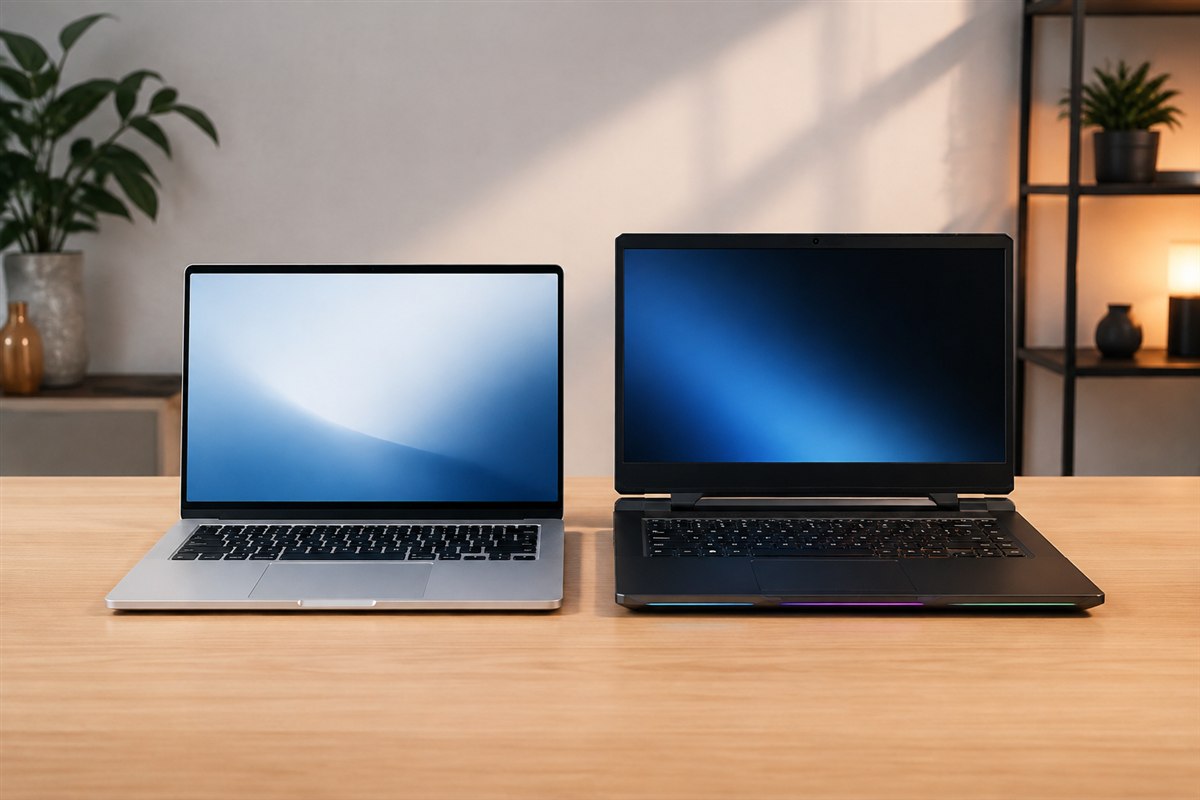
MacBook describes one tightly controlled Apple laptop family; Windows covers many manufacturers, designs and price levels. The useful comparison is therefore between exact models configured with similar memory and storage—not an entire platform against one product.
Start with applications and compatibility
List every application, plug-in, peripheral and organizational requirement you cannot replace. Check the developer’s current operating-system and processor support. Some professional tools, games, engineering packages and business systems are platform-specific. Browser access alone does not guarantee every workflow works identically.
Apple silicon Macs can run native applications and some translated Intel Mac software, but they do not natively run every Windows program. Windows on Arm compatibility has improved, yet specialized drivers and older software still require verification. Never assume from the processor label alone.
Compare hardware choice and flexibility
| Factor | MacBook | Windows laptop |
|---|---|---|
| Model variety | Focused range | Very broad range of sizes and designs |
| Gaming | Smaller compatible library | Broad support and dedicated-GPU options |
| Touch and 2-in-1 | No touchscreen MacBook | Many touch, pen and convertible choices |
| Upgrades | Memory and storage normally fixed at purchase | Varies; some models allow SSD or RAM replacement |
| Ports | Depends on model; adapters may be needed | Ranges from minimal to extensive |
Check display quality, webcam, keyboard, trackpad, weight, charger, port placement and external-display support on the exact configuration.
Judge performance and battery from complete-device tests
Processor names do not reveal sustained laptop performance. Cooling, power limits and software optimization change results. Compare independent tests in your real applications, including performance after a long workload, fan noise and chassis temperature.
MacBooks are often competitive in performance per watt and standby behavior, but battery life varies by task, brightness and model. Windows laptops span efficient ultraportables, gaming systems and workstations, so broad platform averages are not useful. Compare standardized battery tests and battery capacity for the specific models.
Consider ecosystem, service and total cost
A MacBook can integrate closely with an iPhone and other Apple services. Windows offers broad peripheral, gaming and enterprise compatibility and many hardware vendors. Choose the ecosystem that reduces friction in your actual work.
Compare the price after configuring enough memory and storage, plus adapters, dock, warranty and required software. Review battery and repair service, parts availability, support duration and resale only as evidence specific to your region and model. Back up either platform; premium hardware is not immune to loss or failure.
Accessibility is personal. Test screen readers, magnification, voice control, keyboard navigation and any assistive hardware you rely on before the return window closes.
A simple decision framework
- Eliminate any platform that cannot run required software or hardware.
- Set minimum memory, storage, display, ports and battery needs.
- Compare two or three exact configurations at the same total budget.
- Read sustained-performance, noise and battery tests.
- Try the keyboard, trackpad, display and accessibility features in person.
- Check return, warranty and repair terms before purchase.
Choose a MacBook when macOS, Apple integration, efficiency and the available configurations match your workflow. Choose Windows when you need particular software, gaming, touch or pen input, specialized ports, upgrade options or wider price and form-factor choice.
Frequently asked questions
Is a MacBook better for students?
Only if required course software is compatible and the total price fits. Many students are equally or better served by a suitable Windows laptop.
Which is better for gaming?
Windows generally has the broader game library, peripheral support and dedicated-GPU selection.
Can a MacBook run Windows software?
Some software has a Mac version, web version, virtualization option or compatibility layer, but support must be checked application by application.