
Integrated vs Dedicated Graphics: Which Is Better for Gaming?
Compare gaming performance, memory, power use, price and upgradeability so you can choose the right graphics hardware for your games.
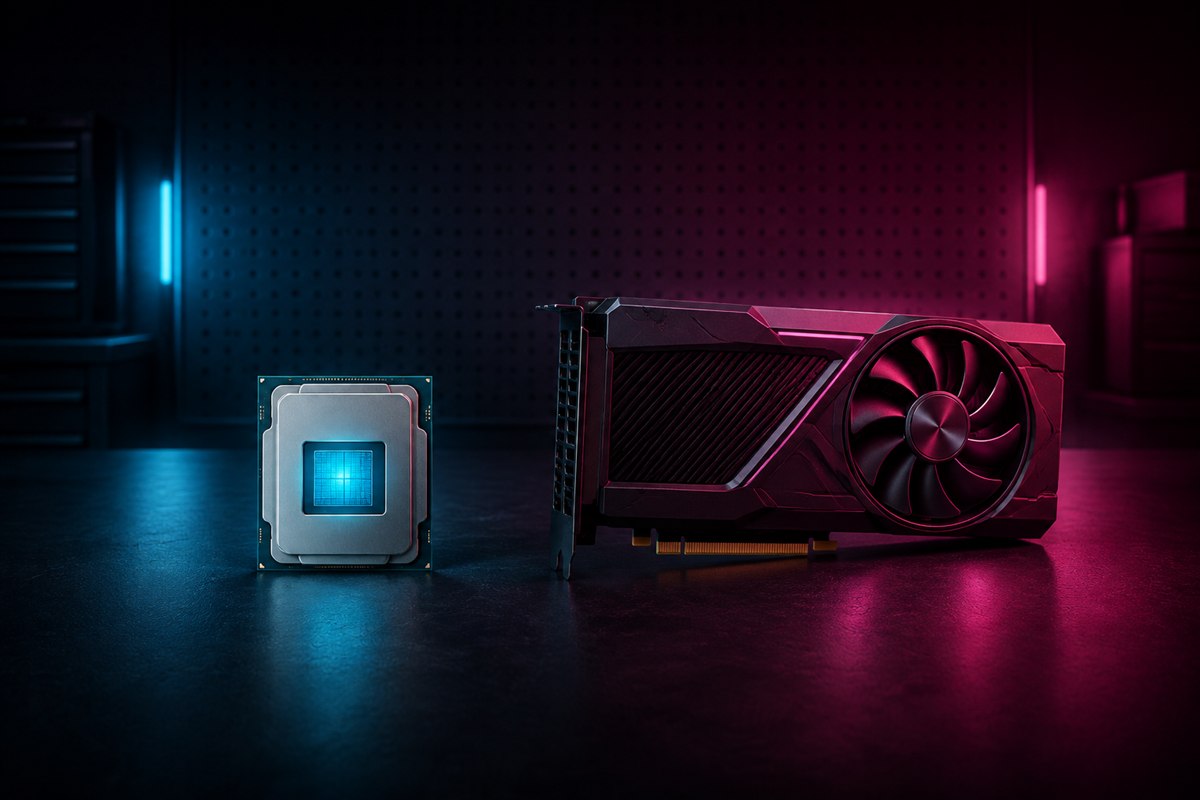
A dedicated graphics card normally delivers higher gaming performance, but that does not make integrated graphics useless. Modern integrated GPUs can handle desktop work, video playback and many lighter games while lowering purchase price and power use. Choose against a real game list and target—not the label alone.
What integrated and dedicated graphics mean
An integrated GPU is built into the processor or its package and usually shares system memory with the CPU. It adds little space or power overhead. A dedicated—or discrete—GPU is a separate graphics processor with its own video memory, cooling and power requirements.
Names do not predict exact performance. Two integrated GPUs can differ significantly, and mobile and desktop products with similar branding may run at different power levels. Compare benchmarks for the exact processor, graphics model, device power profile, game and settings.
Integrated versus dedicated graphics
| Factor | Integrated GPU | Dedicated GPU |
|---|---|---|
| Performance | Best for desktop use, media and lighter games | Usually faster in demanding 3D games |
| Memory | Shares system RAM | Usually has dedicated VRAM |
| Power and heat | Generally lower | Generally higher |
| Cost | Included with supported CPUs | Adds cost |
| Upgradeability | Tied to the processor/platform | Desktop cards can often be replaced |
Dedicated VRAM gives a discrete GPU high-bandwidth local memory for textures and rendering data. An integrated GPU’s shared-memory performance depends partly on system-memory speed, channels and capacity, so a suitable dual-channel memory configuration can matter.
Match the GPU to your actual games
Start with the official requirements for the most demanding game you plan to play. Then find independent benchmarks using the exact hardware at your intended resolution and quality preset. Average frame rate alone is incomplete; frame-time consistency and 1% lows help reveal stutter.
Integrated graphics can make sense for:
- indie, 2D and older games;
- many competitive titles at reduced settings;
- cloud gaming, where the remote server renders the game;
- a low-cost first build that will receive a graphics card later.
Dedicated graphics are usually better for:
- recent graphically demanding games;
- higher resolutions, quality settings or refresh rates;
- ray tracing, high-resolution textures and graphics-heavy mods;
- GPU-accelerated 3D, video and creative workloads.
Upscaling and frame-generation technologies may improve perceived smoothness on supported hardware, but they do not replace a sufficiently fast base frame rate and can affect image quality or latency.
Desktop and laptop tradeoffs
On a desktop, verify case clearance, power-supply capacity and connectors before adding a graphics card. Connect the monitor cable to the graphics card—not the motherboard—when you want the card to drive the display. Keeping an integrated GPU available can still help troubleshooting and some media workflows.
In a laptop, a dedicated GPU can increase performance but also heat, fan noise, weight and battery drain. Cooling and configured power limits strongly affect results. Most laptop GPUs cannot be upgraded, so compare reviews of the complete laptop rather than assuming the GPU name guarantees a particular performance level.
A simple buying decision
- List your games and the recommended—not only minimum—requirements.
- Choose a resolution, quality target and acceptable frame-rate range.
- Check exact-model benchmarks and frame-time results.
- Budget for the complete system, including adequate RAM, power and cooling.
- If integrated graphics meet the target, keep the savings. If they do not, choose a balanced dedicated GPU rather than overspending elsewhere.
For general work and occasional lightweight gaming, integrated graphics are often the efficient answer. For demanding gaming, a dedicated GPU usually wins decisively. The right comparison is always between specific products under the same workload.
Frequently asked questions
Can integrated graphics run games?
Yes. Results depend on the exact iGPU, memory configuration, game, resolution and settings.
Does a dedicated GPU always improve performance?
It usually improves graphics-limited workloads, but a CPU bottleneck, frame cap, thermal limit or incorrect display connection can reduce the benefit.
Can a PC use integrated and dedicated graphics?
Many systems can keep both enabled, although display routing and application selection vary by desktop, laptop and firmware.
References and further reading
This is a category guide, not a benchmark of every GPU. Verify exact-model tests before purchasing hardware.