
How to Choose a Gaming Phone in India
Evaluate gaming phones using native FPS, sustained performance, cooling and a repeatable session checklist.
Choose a gaming phone for your game, settings and session length. A fast display, a benchmark score and stable game FPS are different measurements. This method helps you separate the claims and collect useful purchase evidence.
Write a target before selecting hardware
Record game and version, graphics preset, desired native FPS, normal session length, network type and total budget. “Stable 60 FPS in evening matches for 30 minutes” is more testable than “maximum performance.” Some games limit frame-rate modes by device or software version; check the current in-game menu.
Choose acceptable trade-offs too. A mainly gaming device may justify extra weight or a fan. A phone also used for work and family photos must meet camera, storage, connectivity and support needs.
Distinguish refresh, native FPS and interpolation
Display refresh describes how often the panel can refresh. Native FPS describes how often the game renders new frames. Frame interpolation creates intermediate frames; perceived smoothness can change without the game rendering every frame natively.
Check whether a claim includes interpolation, which games support it and whether the mode changes resolution or power consumption. An interpolated result and a native result are not equivalent measurements.
| Official example | What to investigate |
|---|---|
| iQOO 15 | Its manufacturer notes that interpolation, super resolution and other gaming features vary by title. Confirm your game and mode. |
| OPPO K13 Turbo Pro | Read active-cooling and protection footnotes, including separate treatment of the fan module. Consider noise and maintenance. |
| OnePlus 15R | Check conditions behind gaming claims and supported settings. A manufacturer demonstration is not an independent comparison. |
These examples illustrate specification claims; they are not ranked or verified price tiers. Confirm exact model, Indian availability and checkout price.
Use a repeatable trial
With permission to trial a device, record game version, graphics preset, FPS cap, brightness, room conditions, case, battery level, charging and external cooling. Let downloads finish. Change one variable between trials.
- Start the same mode or route and note performance after loading.
- Play for your normal session length. Record drops, stutter, touch problems, heat discomfort and battery change.
- Repeat after changing only the setting being compared.
- Check whether an FPS counter reports native or interpolated frames. Different vendors may measure differently.
Illustrative result, not a device test: Phone A begins at 60 FPS but later falls to 42; Phone B stays near 55. A competitive player may prefer B despite A's higher early number. The comparison needs matching game, settings and conditions.
Separate rendering from connection problems
Stutter with falling FPS suggests rendering or device load. Rubber-banding or delayed actions with smooth rendering suggests a connection or server issue. Both can occur. Compare another match or server and a known-good connection before blaming the chipset. Our Wi-Fi diagnostic guide separates device, room and connection problems.
A cooler cannot repair a poor internet route. Faster internet will not necessarily fix graphics settings beyond the device's capability. Match spending to the observed limit.
Account for more than the handset
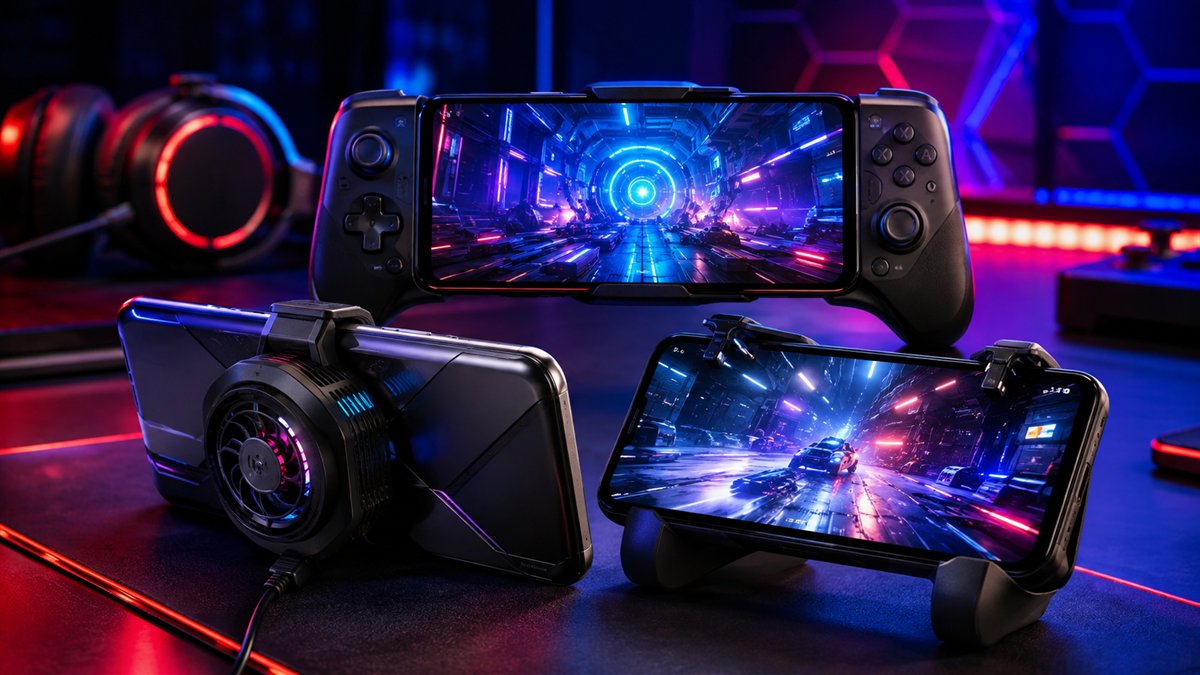
Budget for required controllers, coolers, chargers or storage. Check whether accessories obstruct microphones, buttons or charging. Review local repairs, software support and return terms. A video using another memory variant, software version or cooler is context, not a guarantee.
Circuit Compass has not independently benchmarked these phones. Product links describe manufacturer features; the checklist and numerical example explain evidence evaluation, not results measured in our lab.
Questions to ask about claims
Does 144Hz guarantee 144 FPS?
No. Game, mode, device support and sustained processing performance matter. Check whether interpolation is included.
Should I buy the largest RAM option?
Choose sufficient physical memory, then compare storage, cooling and support. Storage-based memory expansion is not physical RAM.
Can a short benchmark choose the winner?
It measures one workload in stated conditions, not sustained performance in every game or comfort during your session.
Send a correction with the page URL and supporting details. Our editorial policy explains sourcing and testing practices.