
Air Cooling vs Liquid Cooling: Which Is Best for Your PC?
Compare tower air coolers and all-in-one liquid coolers across temperature, noise, reliability, maintenance, fit and total cost.
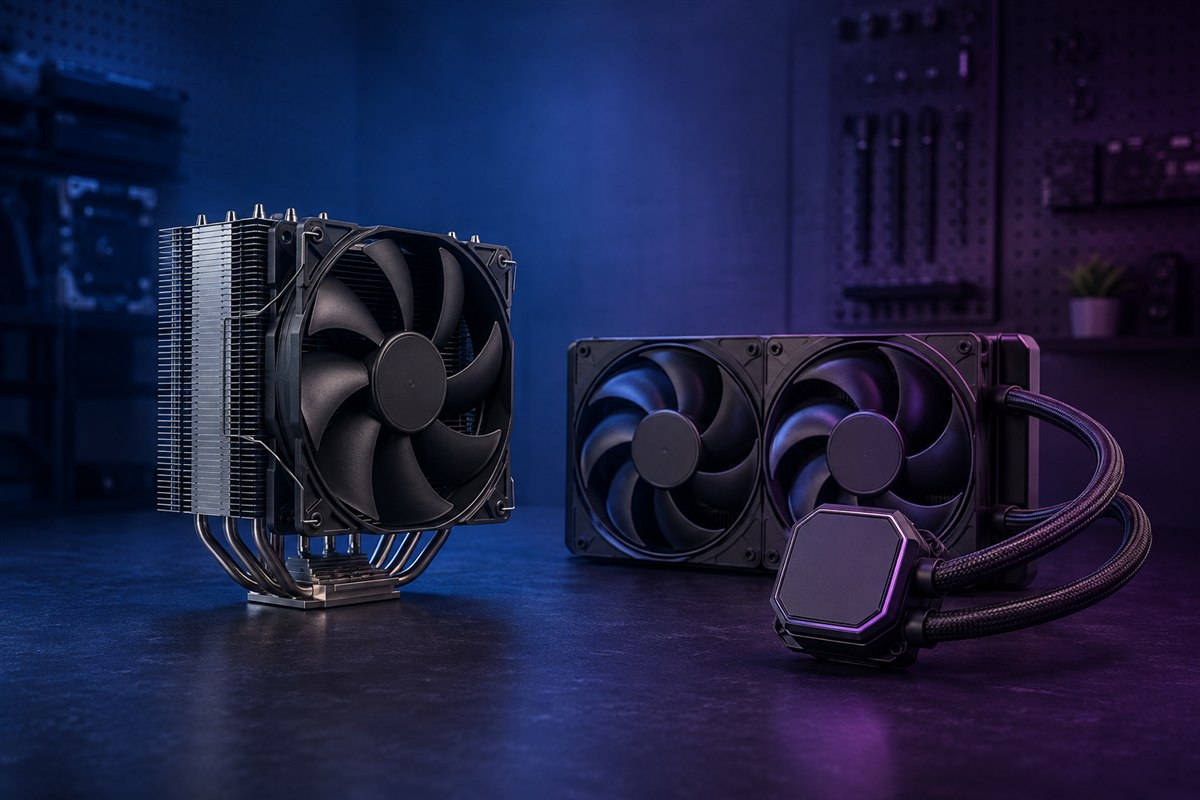
Both air and liquid coolers ultimately move processor heat into room air. A tower cooler uses heat pipes and a fin stack. An all-in-one liquid cooler moves heat through coolant to a radiator. Either can cool a mainstream CPU well when properly sized and installed.
Air and AIO cooling compared
| Factor | Air cooler | AIO liquid cooler |
|---|---|---|
| Heat transfer | Heat pipes to fin stack | Pump and coolant to radiator |
| Moving parts | One or more fans | Pump plus radiator fans |
| Maintenance | Dust cleaning; fan replacement | Dust cleaning; sealed unit replacement if pump fails |
| Space | Needs socket height and RAM clearance | Needs radiator, fan and tube clearance |
| Typical value | Strong cooling per dollar | Higher peak capacity at larger sizes; visual flexibility |
Noise depends on the exact cooler, workload and fan curve. An AIO adds pump noise; a large radiator can run fans slowly. A large air cooler can also be quiet. Compare normalized noise testing rather than broad claims.
Choose air cooling for simplicity and value
A quality tower cooler has few failure points and can remain useful after replacing a standard fan. It is a strong choice for most mainstream processors, long-term reliability and builders who prefer straightforward installation and maintenance.
Tradeoffs include weight, height and possible obstruction of tall memory or the first expansion slot. Support the cooler during transport and verify case CPU-cooler clearance.
Choose an AIO for radiator capacity or layout
Large 280 mm and 360 mm AIOs can provide useful sustained cooling for high-power processors, especially when the case supports a well-ventilated radiator position. They can clear the area around memory and create a preferred visual layout.
An AIO pump eventually wears, and the sealed loop is normally replaced rather than refilled. Leaks are uncommon in reputable products but not impossible. Review warranty coverage and avoid kinking or sharply twisting tubes.
Check every dimension before buying
- CPU socket and included mounting hardware
- Processor power behavior and cooler recommendation
- Case air-cooler height or radiator support
- Radiator thickness plus fan thickness near the motherboard, RAM and GPU
- Tube reach and recommended pump orientation
- Fan headers, pump header and any controller connections
For a front radiator, consider how warm exhaust affects GPU intake. For a top radiator, confirm clearance above memory and motherboard heatsinks. Follow the cooler manufacturer’s orientation guidance; keep the pump from becoming the loop’s highest air-collection point when the design permits.
Choose based on the full system
Pick air cooling when a compatible tower meets the processor’s sustained heat load and you prioritize value, repairability and simplicity. Pick an AIO when a suitable radiator offers better sustained performance, socket clearance or the layout you want.
Neither option repairs poor case airflow. Use clear intake and exhaust paths, clean filters and a sensible fan curve. Compare CPU temperature together with clock speed, package power and noise under the same room conditions.
Frequently asked questions
Is liquid cooling always better?
No. Cooler size, design, airflow, noise target and CPU load determine results.
Do AIO coolers need refilling?
Most consumer AIOs are sealed and not designed for routine refilling; follow the manufacturer’s maintenance instructions.
Can an air cooler damage a motherboard?
A compatible cooler installed correctly should be supported, but transport a heavy system carefully and follow mounting-torque guidance.