
Choosing the Right Processor: A Smart CPU Buying Guide
Select a processor around the work you actually do, then verify motherboard, memory, cooling and power compatibility.
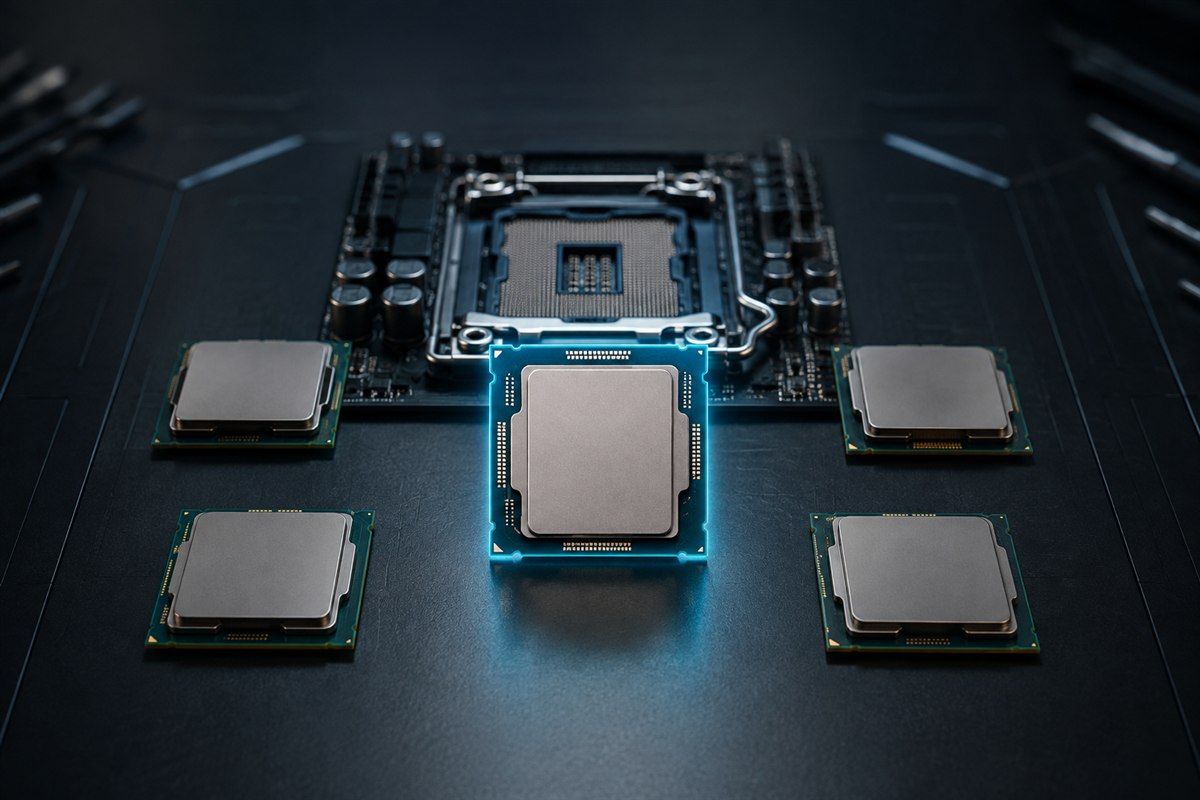
Core count and clock speed are useful specifications, but neither predicts performance across different processor designs. Start with applications, games and a budget for the complete platform. Compare exact-model benchmarks using the same workload and settings.
Define what the processor must do
- Everyday use: prioritize responsiveness, efficiency and a balanced platform rather than maximum core count.
- Gaming: compare game benchmarks at your target GPU, resolution and refresh rate. GPU limits can hide CPU differences.
- Creation: check results in your exact editor, renderer, compiler or simulation; software scales differently across cores.
- Streaming and multitasking: include the encoder, browser, communication and background tools in the test.
Use recommended requirements, not only minimums, and allow headroom for the lifespan you expect.
Read CPU specifications in context
More cores can accelerate well-parallelized work, while lightly threaded tasks may benefit more from per-core performance and latency. Boost frequency is conditional, not a speed every core sustains continuously. Cache, memory behavior, architecture, power limits and software scheduling also affect results.
Marketing generation names help organize products but do not replace benchmarks. Compare performance, power and price from reviews that identify the motherboard, memory, cooling and firmware configuration.
Verify the complete platform
- Match the physical socket and confirm the motherboard CPU-support list.
- Check whether the required BIOS version is already installed or can be updated without that CPU.
- Confirm supported DDR generation, memory capacity and desired configuration.
- Choose a cooler rated and mounted for the socket, processor behavior and case clearance.
- Check motherboard power delivery, PSU capacity and CPU power connectors.
A matching socket alone does not guarantee firmware or chipset support. On laptops, the processor is normally soldered, so evaluate the whole machine’s cooling and configured power rather than planning an upgrade.
Decide whether you need integrated graphics
An integrated GPU can power displays, handle media and provide a valuable troubleshooting fallback. It can also avoid the cost and power of a dedicated card for office PCs. Some processors omit integrated graphics, while others include graphics intended for light gaming.
If buying a dedicated GPU, confirm whether your applications use CPU media engines or integrated graphics features. Do not assume the motherboard video outputs work when the installed processor has no active integrated GPU.
Compare total platform value
| Include in cost | Why it matters |
|---|---|
| CPU and motherboard | Socket, chipset features and upgrade path |
| Memory | DDR generation and capacity can change platform price |
| Cooler | Some CPUs include one; others need a separate cooler |
| Power and case | Higher-performance parts can require more cooling and PSU headroom |
Do not take budget away from the GPU, memory, SSD, display or backup needs just to buy a higher processor tier. A balanced system that meets the target is better value than an impressive CPU waiting on another slow component.
Frequently asked questions
How many CPU cores do I need?
There is no universal number. Use benchmarks for your games and applications, because their ability to use cores differs.
Is a higher GHz processor always faster?
No. Frequency comparisons are most meaningful within closely related designs; architecture and workload matter.
Can any CPU fit any motherboard?
No. Socket, chipset, BIOS support, power and memory generation must all be compatible.