Best Processors for Video Editing in 2026: What to Buy

Choose a video editing CPU in 2026: compare Ryzen, Intel Core Ultra and Apple M5 options by codecs, Premiere workflows, memory and total system cost.
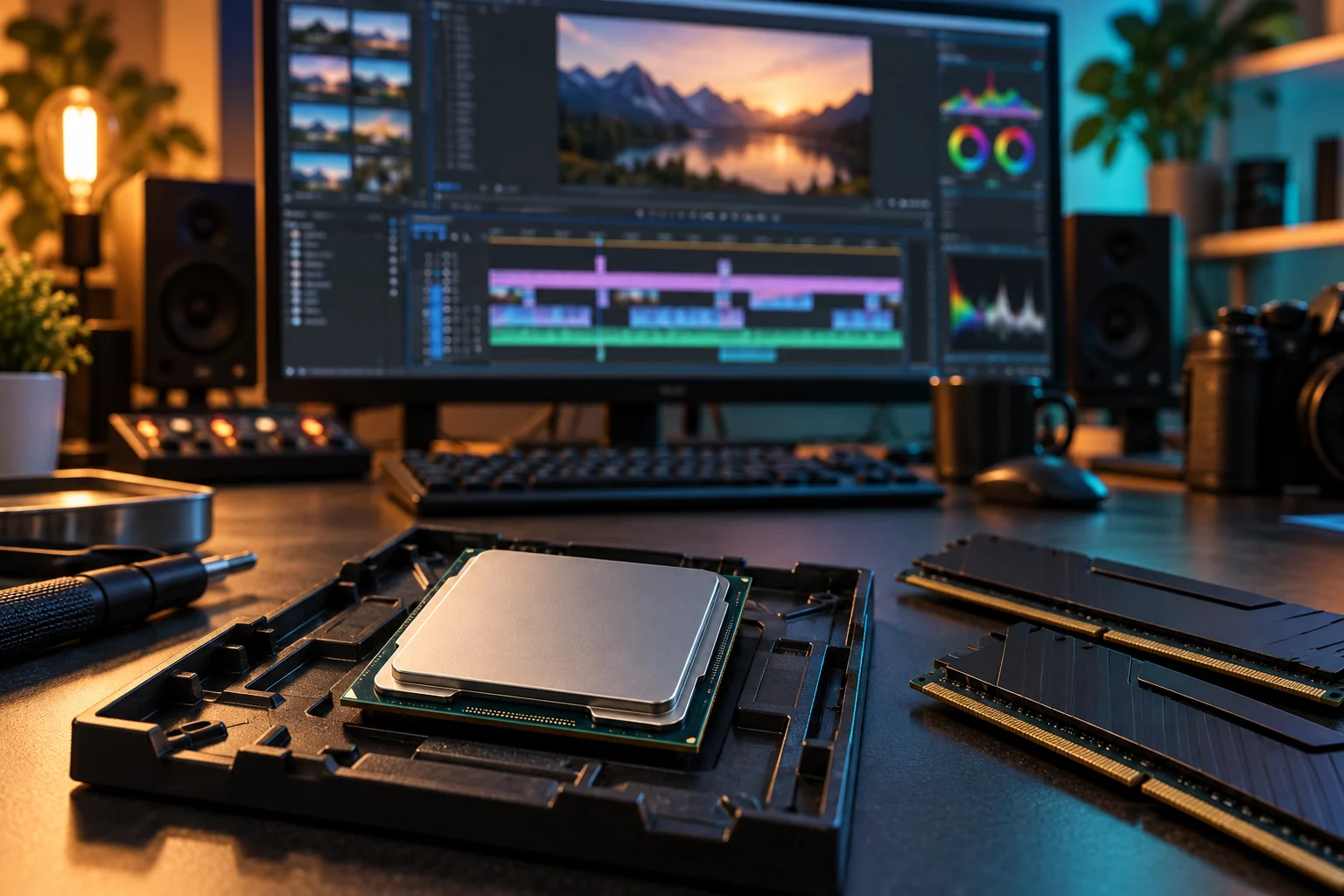
For video editing, the best processor is the one that handles your actual footage and effects without consuming the budget needed for memory, storage and graphics. Our starting shortlist is Intel Core Ultra 7 270K Plus for a configurable Windows editing desktop, Ryzen 9 9950X for heavily threaded CPU work, and Apple M5 Pro for a portable Mac workflow. None is the fastest choice for every project.
The editing processors to shortlist in 2026
| Workload | Candidate | Why consider it / buying condition |
|---|---|---|
| Mainstream Windows editing | Intel Core Ultra 7 270K Plus | Compare total platform cost and hardware media support for your footage |
| CPU-heavy exports and rendering | AMD Ryzen 9 9950X | 16 cores / 32 threads; useful when the task scales across CPU cores |
| Editing plus serious gaming | AMD Ryzen 9 9950X3D | Consider only when gaming benefits justify the premium over an editing-focused build |
| Portable Mac editing | Apple M5 Pro in MacBook Pro | A complete laptop choice with dedicated media engines; size memory for your projects |
| Heavier Mac GPU or media workloads | Apple M5 Max in MacBook Pro | Compare GPU, memory and media-engine needs before paying more |
The recommendations are our interpretation of manufacturer specifications and Adobe workflow guidance. We have not benchmarked these systems ourselves. A newer flagship, including Ryzen 9 9950X3D2 Dual Edition, is not automatically a better editing purchase: look for a measurable gain in your application before paying its premium. AMD documents that model here.
Start with the footage, not the core count
Write down your camera format, resolution, frame rate, bit depth and chroma sampling. A 4K H.264 clip and a 4K 10-bit HEVC clip can place very different demands on playback. Multicam editing adds several streams at once. Hardware decode support must match both the media format and your application version.
Adobe explains hardware-accelerated playback and export, including configuration-dependent support. Intel Quick Sync, Apple media engines and a supported discrete GPU can help with particular codecs; none is a promise that every file uses hardware acceleration. Test a representative camera clip and confirm the relevant setting is enabled.
Intel Core Ultra or AMD Ryzen for editing?
The Core Ultra 7 270K Plus is a 2026 option worth comparing alongside local deals on the 265K and 285K. Buy the exact model whose integrated graphics and media features you need; do not assume similarly named variants have identical capabilities. Keep the required graphics drivers installed and verify the application can use the media engine.
The Ryzen 9 9950X has 16 cores and 32 threads. It is a sensible candidate for workloads that use many CPU threads, but adding cores will not fix a slow effects-heavy timeline when the GPU is limiting performance. If your budget is tighter, compare a Ryzen 7 9700X or a discounted Ryzen 9 9900X in your application rather than sacrificing RAM to buy the flagship.
Include the motherboard, BIOS compatibility, DDR5 kit and cooler in the comparison. Intel and AMD desktop processors require different compatible platforms; a CPU-only price comparison hides a substantial part of the purchase.
When M5 Pro or M5 Max makes sense
Choose a Mac when your editor, plug-ins, storage devices and delivery workflow are supported on macOS. Apple lists H.264, HEVC and ProRes acceleration in its M5 Pro and M5 Max specifications. M5 Max adds resources that can suit heavier media and GPU work, but that does not make it necessary for ordinary cuts and captions.
Buy enough unified memory at purchase and account for external storage. Comparing a MacBook processor against a desktop CPU alone is misleading: compare complete systems, sustained performance, screen needs and portability. For a laptop decision, read our MacBook versus Windows guide.
Balance the CPU with RAM, graphics and storage
Our planning baseline for regular 4K work is 32 GB RAM and a 1 TB SSD, with more capacity for large media libraries. Consider 64 GB or more when multicam, large compositions or several creative apps regularly exceed available memory. Check the editor’s requirements and measure an existing project where possible.
GPU effects, noise reduction and some AI features can need substantial graphics performance and VRAM. Confirm support for the exact app edition and effect. A more expensive CPU cannot compensate for insufficient GPU memory. Keep active media and cache on suitably fast storage, leave free capacity and maintain a separate backup.
If long-GOP footage stutters, proxies can improve the working timeline. They do not remove final-export or effects requirements. Our RAM and SSD guide and backup guide cover these supporting choices.
Before you buy: run a representative project
- Choose a typical project with your real camera files, effects and audio.
- Compare playback, scrubbing, render previews and export separately.
- Record application version, codec, RAM, GPU and power settings in any benchmark you consult.
- Check sustained temperatures and noise, not only a short burst score.
- Compare full system prices and verify motherboard, BIOS, cooler and memory compatibility.
For paid work, estimate the value of time saved on recurring tasks. A modest system that plays your timeline smoothly can be a better purchase than a flagship that improves only an occasional export.
Frequently asked questions
Is Intel or AMD better for video editing?
Neither wins every workflow. Compare hardware decoding for your codecs, application benchmarks and the whole platform price. Intel media support can matter for supported footage, while a many-core Ryzen can suit CPU-heavy work.
Do I need an X3D processor for editing?
No. Consider X3D when the same machine also has a serious gaming role. For editing alone, compare non-X3D options and put the savings toward memory, graphics or storage if those are the bottlenecks.
Is the CPU or GPU more important for editing?
Both matter, but for different tasks. Decoding, some effects and exports depend on the CPU and media engines; supported effects and processing may rely heavily on the GPU. Profile a representative project before upgrading.
Sources and editorial approach
Manufacturer specifications and support guidance checked September 24, 2026. Recommendations reflect the workloads explained above; they are not hands-on benchmark results. Compare current local prices and exact configurations before buying.
Found something that needs updating? Send a correction with a supporting source. Read our editorial policy.