Best CPU and GPU Combinations for Gaming in 2026

Build a balanced gaming PC in 2026 with CPU and GPU pairings for 1080p, 1440p and 4K, plus advice on VRAM, ray tracing, power and compatibility.
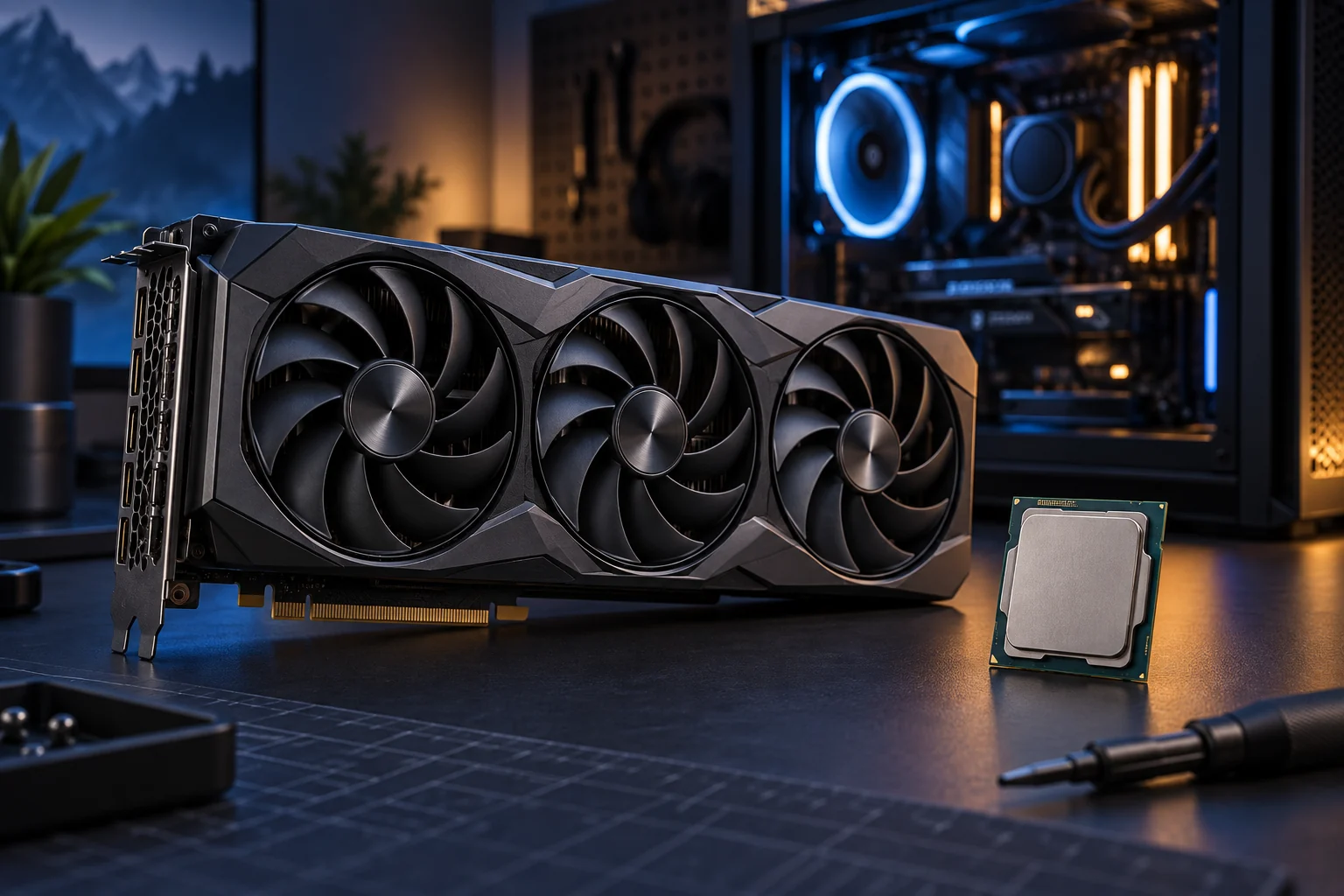
Start with your monitor resolution, refresh rate and the games you actually play. For a balanced 1440p build, shortlist a Ryzen 5 9600X or Ryzen 7 9700X with an RTX 5070, RTX 5070 Ti or Radeon RX 9070 XT, depending on total price and graphics needs. For very high refresh rates, consider a Ryzen 7 9850X3D or a better-priced 9800X3D. Spend more only when tests in your games show a benefit.
Gaming CPU and graphics card pairings to compare
| Gaming target | CPU shortlist | GPU shortlist / condition |
|---|---|---|
| 1080p with a restrained budget | Ryzen 5 9600X or an existing capable six-core CPU | Compare local midrange GPU deals against tests in your games before upgrading the platform |
| 1440p balanced build | Ryzen 5 9600X / Ryzen 7 9700X | RTX 5070; compare RX 9070 XT when the total price permits |
| 1440p demanding games and higher settings | Ryzen 7 9700X / Ryzen 7 9800X3D | RTX 5070 Ti or RX 9070 XT; compare native, RT and upscaled results |
| Competitive high-refresh gaming | Ryzen 7 9850X3D / discounted 9800X3D | Choose the GPU from your game, settings and target frame rate |
| 4K premium build | Ryzen 7 9800X3D / 9850X3D | RTX 5080, or compare 5070 Ti / RX 9070 XT if you accept settings adjustments |
These pairings are editorial starting points derived from available product specifications and workload needs. They are not results from our own test lab. There is no promised FPS number, universal bottleneck percentage or fixed best-value winner: retailer prices and game updates change the decision.
Why resolution changes the best processor choice
At lower resolutions and very high target frame rates, the CPU can determine how quickly game simulation and draw calls reach the GPU. At 4K with demanding visual settings, the graphics workload often becomes the larger constraint. Neither rule applies to every game: simulations, strategy games and busy multiplayer scenes can remain CPU-heavy.
Read average frame rates together with 1% lows and frame-time graphs. A high average can hide stutter. Check whether a benchmark uses native resolution, upscaling or generated frames, and use comparable settings when assessing two cards. Our FPS guide explains how refresh rate changes the experience.
Which gaming CPU should you buy in 2026?
AMD introduced the Ryzen 7 9850X3D for 2026. It belongs on a high-end gaming shortlist, but an attractively priced 9800X3D may be the better purchase. Compare them in your games before paying for a newer badge. The 9600X and 9700X remain candidates when preserving the GPU budget matters more than maximizing CPU performance.
Intel is also worth comparing at the full platform price. The Core Ultra 5 250K Plus and Core Ultra 7 270K Plus are 2026 desktop options. Check motherboard and BIOS support, cooler requirements and game benchmarks. More total cores do not automatically produce higher gaming frame rates.
If you already own a capable PC, diagnose it first. Replacing the motherboard, CPU and memory is a large expense when a graphics upgrade or settings change could solve your actual problem.
RTX or Radeon: compare the features you will use
The RTX 5070 has 12 GB GDDR7 and the RTX 5070 Ti has 16 GB. The Radeon RX 9070 XT has 16 GB GDDR6. Memory capacity matters for demanding textures and some workloads, but capacity alone does not rank performance.
Compare rasterized performance, ray tracing, image quality, upscaling support and any capture or creative applications you use. If you depend on a CUDA-only tool outside gaming, verify its NVIDIA requirements. For games, investigate the exact titles rather than assuming one vendor always wins.
Generated frames can improve displayed smoothness, but they are not equivalent to a higher native simulation rate and do not remove the importance of input latency. For competitive play, prioritize responsive base performance. For demanding single-player games, decide whether the supported upscaling and frame-generation modes look good to you.
Check power, cooling and physical compatibility
- Confirm the exact CPU appears on the motherboard support list with the installed BIOS.
- Choose a supported memory kit and allow room for the CPU cooler.
- Check GPU length, thickness and connector clearance against the case, including front radiators.
- Use the graphics-card maker’s PSU guidance for the exact board model and account for the whole system.
- Follow connector insertion and cable-bend guidance; never reuse modular PSU cables unless the PSU maker explicitly confirms compatibility.
- Plan intake and exhaust airflow, then verify temperatures under a sustained game load.
Power requirements vary across partner cards. A wattage number alone does not tell you whether a PSU has suitable connectors or quality. Read the PC building checklist before ordering parts.
Spend on the limiting component first
For a fresh build, price the complete tower before committing to the CPU and GPU. Include a dependable PSU, sufficient SSD storage, a case and cooling. Our comfortable planning target is 32 GB system memory for a new general-purpose gaming build, but consult the actual game requirements; some budgets are better served by 16 GB and a more capable GPU.
For an upgrade, observe GPU utilization, individual CPU-thread load, VRAM, temperatures and frame times during the problem scene. Low GPU utilization alone is not proof of a weak CPU: frame caps, V-sync, loading and thermal limits can also change it. Use our bottleneck diagnosis guide to decide what deserves the money.
Frequently asked questions
What is the best CPU and GPU combo for 1440p gaming?
Start by comparing a Ryzen 5 9600X or Ryzen 7 9700X with an RTX 5070. At a higher budget, compare RTX 5070 Ti and RX 9070 XT configurations. Choose using current total prices and benchmarks at your intended settings.
Do I need the most expensive CPU for 4K gaming?
Usually that should not be your starting assumption. Demanding 4K graphics often put more pressure on the GPU, while some CPU-heavy games still benefit from a faster processor. Check both before allocating the budget.
Is 16 GB VRAM always better than 12 GB?
More capacity can help when a workload exceeds 12 GB, but GPU architecture, memory bandwidth and game settings also matter. Compare performance and image quality in your games instead of ranking cards by VRAM alone.
Sources and editorial approach
Manufacturer specifications and support guidance checked September 24, 2026. Recommendations reflect the workloads explained above; they are not hands-on benchmark results. Compare current local prices and exact configurations before buying.
Found something that needs updating? Send a correction with a supporting source. Read our editorial policy.