Android vs iPhone in 2026: Which Phone Should You Buy?

Android or iPhone? Compare price, cameras, gaming, updates, privacy and switching costs to choose the right phone for your needs in 2026.
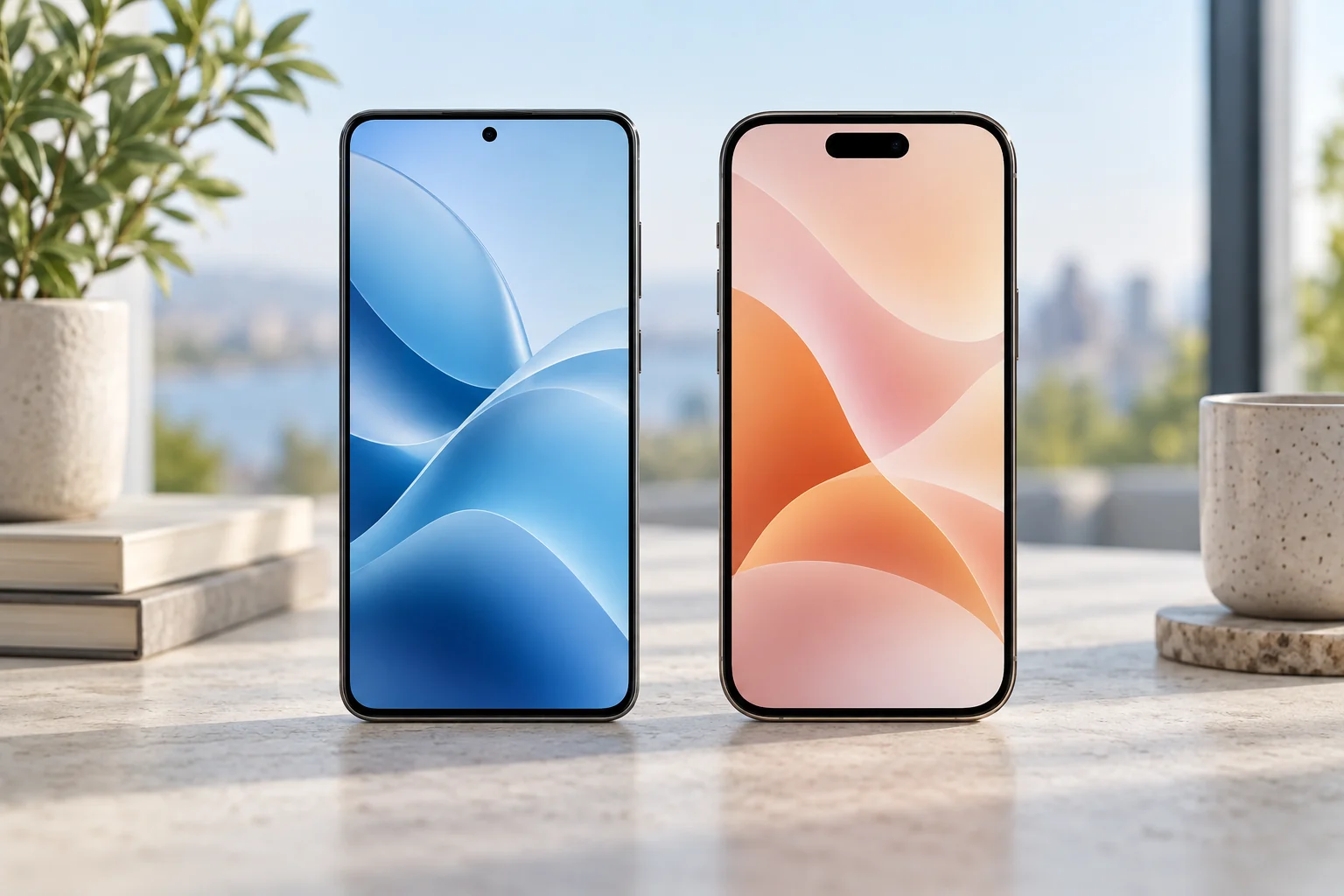
Choose Android when your priorities are a wider price range, more hardware designs and greater control over the interface. Choose an iPhone when iOS and compatibility with the Apple devices you already use make daily tasks easier. Both can be good choices for photography, work and gaming: compare two actual phones at the same total price before choosing an operating system.
Android or iOS: the practical comparison
| Priority | Android | iPhone / iOS |
|---|---|---|
| Purchase budget | Many manufacturers and price tiers | Compare new and refurbished models with sufficient storage |
| Hardware choice | Wide selection of sizes, foldables and charging approaches | A smaller range; compare the exact model’s screen, ports and cameras |
| Personalization | Launcher and interface options vary by brand | Check available Home Screen, widget and default-app settings |
| Existing devices | Check Windows, wearable and accessory compatibility | Check Mac, iPad and Apple Watch features you actually use |
| Updates | Support duration and cadence depend on the exact model | Verify current iOS compatibility and the model’s age |
| Camera and gaming | Compare exact devices, apps and sustained tests | Compare exact devices, apps and sustained tests |
Our recommendations are a buying framework, not a claim that every Android phone or every iPhone behaves the same way. A budget Android device and a premium iPhone are not a fair platform comparison. Match storage, condition, warranty and price first.
Which is better for your budget?
If you have a firm budget, start with the devices you can actually buy locally. Android offers many configurations, while an older or refurbished iPhone introduces different tradeoffs. Compare the final price after storage, a suitable charger, case, protection and any recurring cloud costs.
For a used phone, verify battery condition, activation or account locks, repair history, network compatibility and a return policy. An attractive purchase price can disappear into a battery or screen replacement. For a new phone in India, check the invoice, regional warranty and service center access. Our phone buying guide under ₹20,000 includes a budget calculator.
Storage cannot always be expanded. Estimate your current photos, downloaded videos, games and offline files, then allow room for growth and updates. Compare available capacity after the operating system rather than relying only on the advertised number.
Camera quality: compare the scenes you shoot
Choose using full-resolution photo samples and video tests from the exact models. Look at moving children or pets, indoor skin tones, night scenes, zoom and the front camera. A megapixel count cannot tell you how consistently a phone captures those situations.
For video, test stabilization while walking, audio quality, autofocus transitions and how the phone handles bright windows or changing light. Check the recording modes, storage demands and thermal behavior for long clips. If you mainly post through a social app, examine that app’s results and upload settings too.
For family memories, reliable focus and a picture you like may matter more than an advanced mode you rarely use. Neither Android nor iOS guarantees the better camera across every price bracket.
Battery life and gaming depend on the device
Compare battery tests with the same brightness, network conditions and workload. A capacity figure or maximum charging wattage alone does not predict a full day of use. Confirm the compatible charger and cable, and whether they are included.
For gaming, look at sustained frame rates, heat, touch response, supported settings and battery drain after a longer session. A fast opening benchmark can hide throttling later. Check whether your games and controller work on the specific device and whether progress transfers between platforms.
A comfortable screen and reliable network reception matter on an everyday phone. Try the size, weight and grip before buying. Our gaming phone guide covers the checks in more detail.
Updates, privacy and security: check the exact promise
Do not assume all Android phones get the same support. Google promises seven years of updates for Pixel 8 and later, measured from initial US Google Store availability. That clock does not restart when you buy an older model. For another manufacturer, read the published policy for that specific device and region.
For an iPhone, check current iOS compatibility and Apple’s security-release information before buying an older model. Do not infer a guaranteed future support period from a past device. Apple also notes that features vary by region and language; verify any AI or connectivity feature you are paying for.
On either platform, install updates, use a strong screen lock, protect the main account and review app permissions. Both need sensible account and app practices. Follow our Android security checklist or iPhone security checklist after setup.
Account for the cost of switching platforms
List the accessories, apps and services you depend on before switching. Check your smartwatch, car connection, work-management app, password manager, banking apps and accessibility tools. Paid apps and subscriptions may have different transfer rules, and some purchases need to be made again.
Apple’s Move to iOS instructions describe supported transfers from Android. When moving the other way, follow the new Android manufacturer’s current setup instructions. Verify photos, messages, contacts, authenticator accounts and chat history before erasing the old phone. Banking and eSIM setup may need separate reactivation.
Try screen readers, text size, voice control and hearing-device connections if you rely on them. Choose the platform that supports your daily routine, then confirm that it works during the return period.
Our recommendation by buyer
- Budget-first buyer: start with well-supported Android models in your price range, then compare any older iPhone deal on battery condition and remaining support.
- Apple household: shortlist an iPhone if verified features with your Mac, iPad or wearable save time.
- Customization or unusual hardware: shortlist Android devices with the particular interface, foldable design or charging feature you want.
- Camera or gaming enthusiast: compare exact models using repeatable tests in your preferred apps; keep the platform decision secondary.
Before paying, write down your three non-negotiable requirements and choose the least expensive configuration that meets them with acceptable support and service.
Frequently asked questions
Is Android better than iOS in 2026?
Android offers a broader range of hardware and prices, while iOS may fit better with Apple devices and workflows. The better choice depends on your exact budget, apps, accessories and preferred phone.
Which lasts longer, an iPhone or an Android phone?
Compare remaining software support, battery replacement options and repair access for the exact model. Some Android models have explicit long-term update commitments, and older phones on either platform may have fewer supported years left.
Will all my data transfer when I switch?
Do not assume every app or account transfers automatically. Use the platform’s official migration process, then separately verify messages, photos, chat history, authenticators, banking access and eSIM activation before erasing the old phone.
Sources and editorial approach
Manufacturer specifications and support guidance checked September 24, 2026. Recommendations reflect the workloads explained above; they are not hands-on benchmark results. Compare current local prices and exact configurations before buying.
Found something that needs updating? Send a correction with a supporting source. Read our editorial policy.